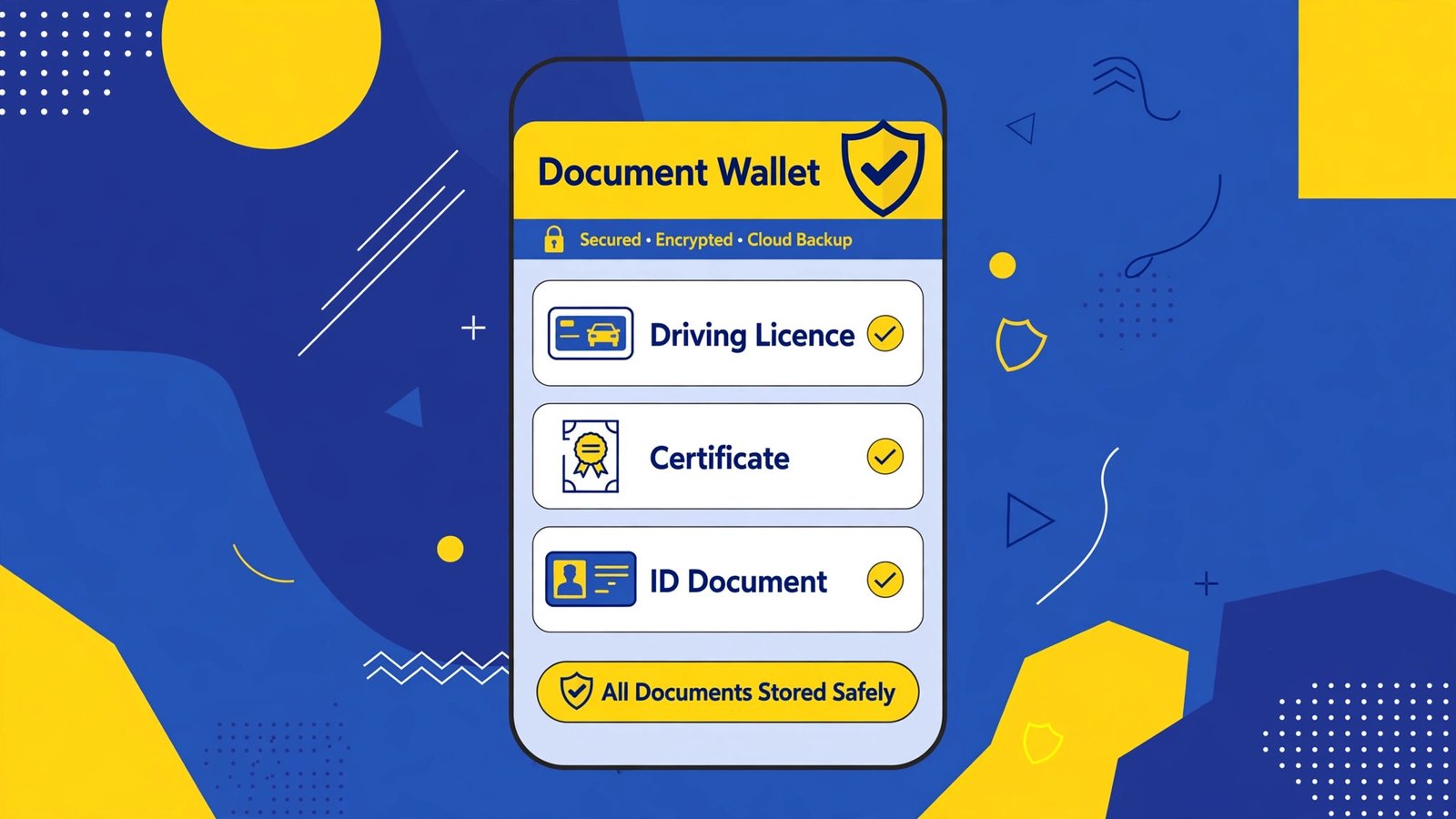
How to Use DigiLocker App: Download Driving Licence, RC & Marksheet (2026 Guide)
Traffic police ne driving licence manga aur tum ghar bhool aye? Ya admission ke time marksheet ki copy chahiye aur original file kahin almari mein hai? Isi problem ka official hal hai DigiLocker. Agar tumhein nahi pata how to use DigiLocker app to ye guide tumhare liye hai. DigiLocker Government of India ki free digital document wallet app hai jo Google Play Store par available hai. Isme driving licence, vehicle RC, marksheet, PAN aur Aadhaar jaise documents digitally signed form mein rehte hain, jo asal documents ki tarah valid mane jate hain.
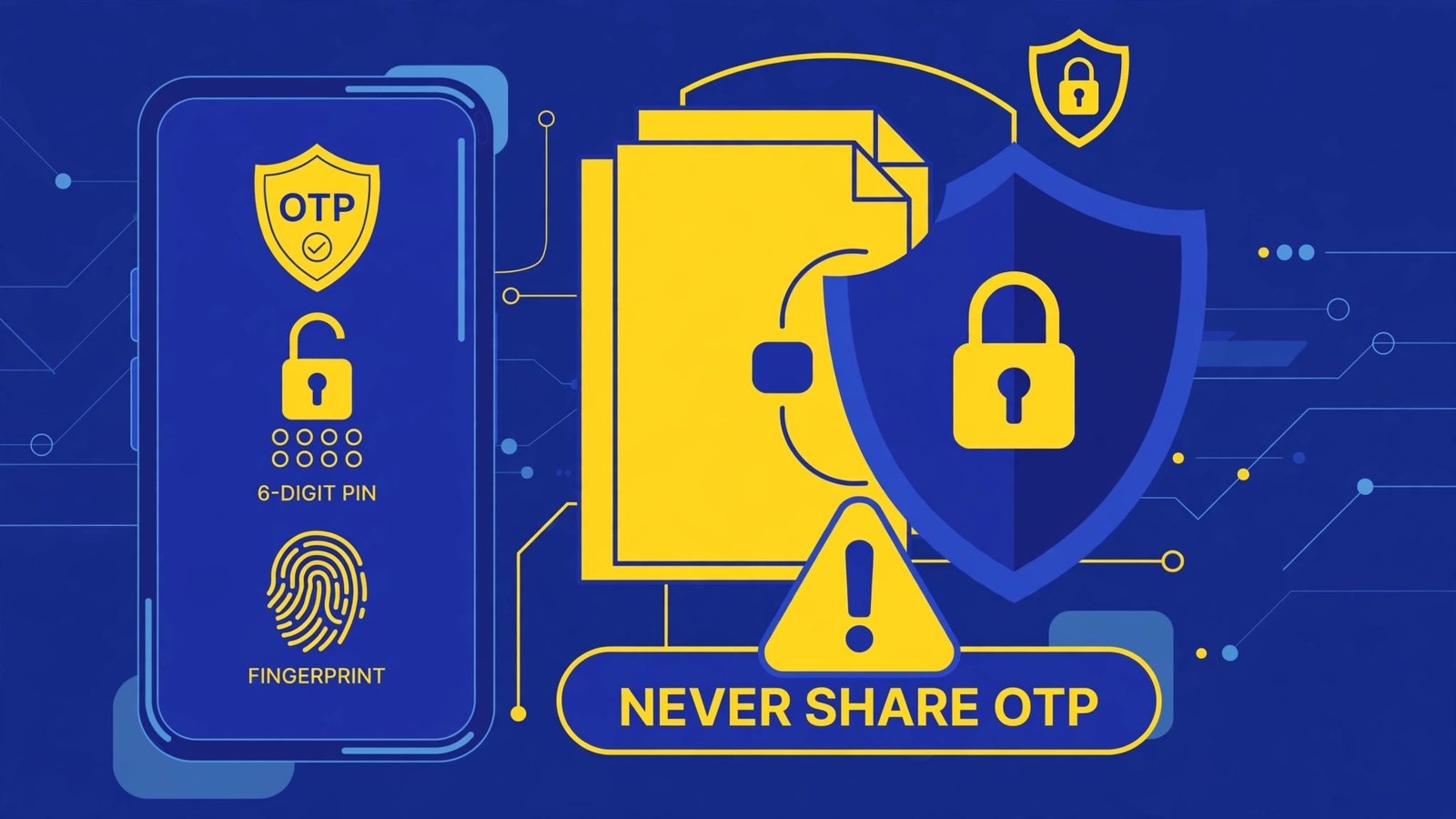
Sab se pehle ek zaroori warning: DigiLocker sirf official app ya official website se use karo. Apna OTP, 6-digit security PIN ya Aadhaar number kisi agent, cyber cafe wale ya phone call par mange wale ke saath kabhi share mat karo. Government kabhi call karke OTP nahi mangti.
Quick Answer: How to Use DigiLocker App in 5 Steps
- Google Play Store se sirf official DigiLocker app download karo.
- Mobile number se sign up karo, OTP verify karo aur 6-digit security PIN set karo.
- Aadhaar link karne se documents auto-fetch asan ho jata hai (recommended).
- Issued Documents ya Search mein ja kar apna document dhundo — driving licence, marksheet, RC waghera.
- Document fetch karke download ya share kar lo. Bas, ab ye document hamesha tumhare phone mein hai.
Table of Contents
DigiLocker Kya Hai Aur Ye Legal Hai Kya?
DigiLocker India government ki Digital India pehel ka hissa hai. Is ka kaam simple hai: government departments jo documents issue karte hain — jaise transport department ka driving licence ya CBSE ki marksheet — wo tumhein paper ki bajaye digitally signed electronic form mein dena. Ek baar setup ho jaye to roz-marra mein how to use DigiLocker app yehi hai: document fetch karo aur jahan chahiye wahan dikha do.
Ye documents is liye valid hain kyunki ye khud issuing department se seedha aate hain aur digitally signed hote hain. Traffic check, admission, government form ya job verification mein DigiLocker ke issued documents aam tor par asal documents ke barabar qabool kiye jate hain. Ek farq samajh lo:
| Type | Matlab | Validity |
|---|---|---|
| Issued Documents | Department se seedha fetch kiya hua document (DL, RC, marksheet) | Digitally signed, asal ke barabar mana jata hai |
| Uploaded Documents | Tum ne khud scan karke upload ki hui copy | Sirf tumhari personal copy, officially issued nahi |
Is liye hamesha koshish karo ke document fetch karo, sirf photo upload karne par mat raho.
Step 1: Official DigiLocker App Download Karo (Play Store Se)
- Google Play Store kholo aur “DigiLocker” search karo.
- Publisher ka naam check karo — official government publisher hona chahiye. Naam se milte julte nakli apps se bacho.
- Install karo. App bilkul free hai, koi paid version nahi hota.
- Chaho to official website digilocker.gov.in computer par bhi use kar sakte ho, account ek hi hota hai.
Kisi website se DigiLocker ka APK download mat karo. Jo app tumhare sab se sensitive documents rakhegi, use sirf Play Store se lena chahiye. Kyun, ye hum apni APK safety check guide mein tafseel se samjhate hain.
Step 2: Account Banao Aur Aadhaar Link Karo
- App kholo aur Sign Up par tap karo.
- Apna mobile number dalo (wohi jo tum active use karte ho) aur OTP se verify karo.
- Apni details bharo aur ek 6-digit security PIN set karo. Ye PIN har login par lagega, ise kisi ko mat batao.
- App Aadhaar link karne ka option dega. Aadhaar number aur us par aye OTP se link kar lo.
Aadhaar link karna technically optional hai, lekin is ke baghair zyada tar documents auto-fetch nahi hote kyunki departments tumhari pehchan Aadhaar se hi match karte hain. Naam, date of birth aur spelling Aadhaar par jaisa hai waisa hi hona chahiye, warna document search mein nahi milega.
Step 3: Driving Licence, RC Ya Koi Document Fetch Karo
Account ban gaya? Ab asli kaam. Misal ke tor par driving licence fetch karte hain, tariqa har document ke liye takriban ek jaisa hai:
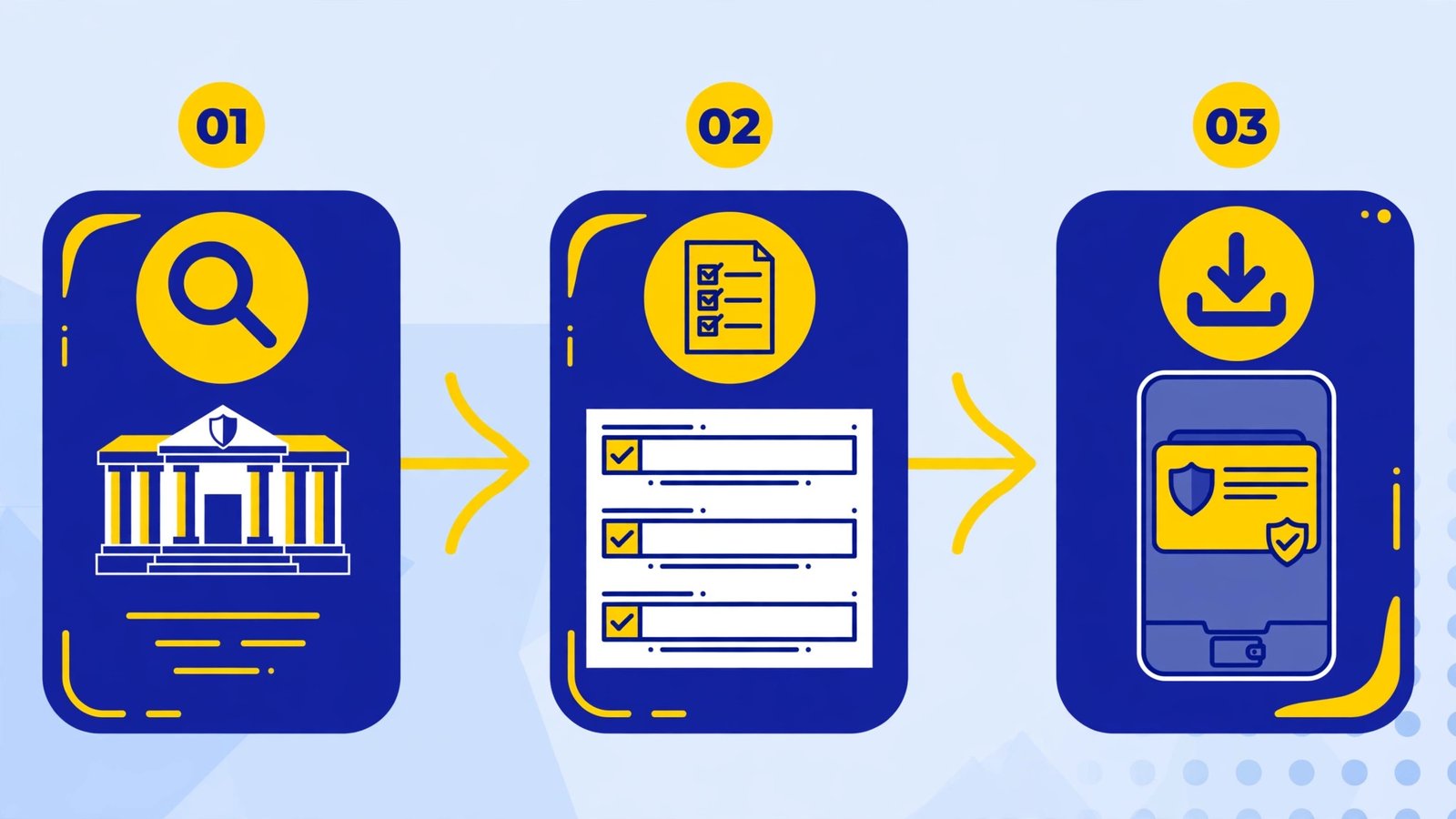
- Home screen par Search Documents ya Issued Documents → Get Document mein jao.
- Search mein “Driving Licence” likho aur Ministry of Road Transport and Highways wala option chuno (state wale purane options se confuse mat ho).
- Apna driving licence number bilkul waisa likho jaisa card par hai, aur date of birth select karo.
- Get Document dabao. Kuch seconds mein licence tumhare Issued Documents mein ajayega.
- Use kholo, download karo ya share icon se QR/link ke zariye jahan chahiye bhej do.
Isi tarah tum fetch kar sakte ho:
- Vehicle RC — gari ka number dal kar (traffic check mein bohat kaam ata hai)
- CBSE / Board marksheet aur certificate — roll number aur passing year se
- PAN card aur Aadhaar (UIDAI se issued copy)
- Degree, caste/income certificate waghera, agar tumhare state/board ne DigiLocker se joda hua hai
Har document ke liye jo detail mangi jayegi wo alag hogi, lekin process yahi hai: search → department chuno → detail bharo → Get Document.
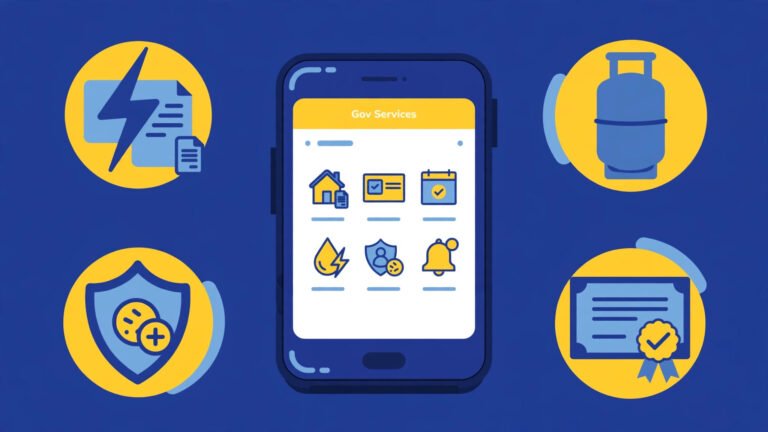
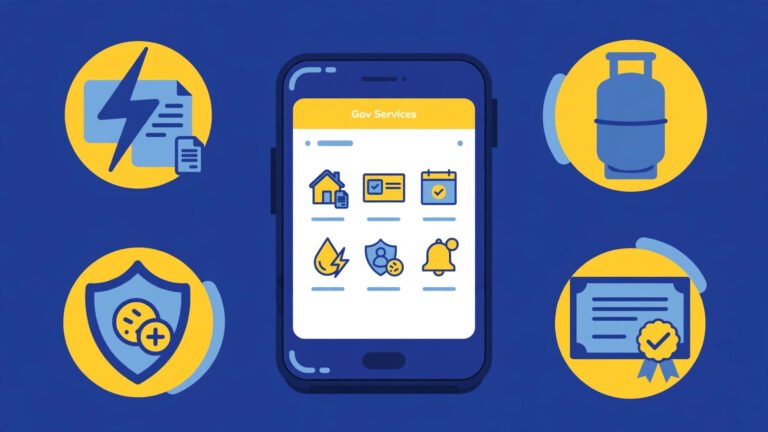
Documents Ki List: DigiLocker Mein Kya Kya Milta Hai
| Document | Kis department se | Kahan kaam ata hai |
|---|---|---|
| Driving Licence | Ministry of Road Transport (Parivahan) | Traffic checking |
| Vehicle RC | Parivahan | Traffic checking, gari ke kaghzat |
| 10th/12th Marksheet | CBSE / state boards | Admission, job forms |
| PAN / Aadhaar copy | Income Tax Dept / UIDAI | KYC, bank, SIM waghera |
| Degree / certificates | Universities / boards (agar linked hon) | Job aur higher study verification |
Note: har state aur har board abhi tak DigiLocker se fully connected nahi hai. Agar tumhara document search mein na mile to ye zaroori nahi ke app kharab hai — ho sakta hai tumhara board abhi issuer list mein shamil na ho.
Common Problems Aur Un Ke Hal
| Problem | Aam wajah | Hal |
|---|---|---|
| Document not found | Naam/DOB Aadhaar se match nahi, ya number galat likha | Spelling aur number card se mila kar dobara dalo |
| OTP nahi araha | Network issue ya galat/dusra number | Thoda wait karo, wahi number use karo jo Aadhaar se linked hai |
| App login nahi ho raha | PIN bhool gaye ya app purana version | PIN reset karo aur Play Store se app update karo |
| Document fetch fail | Department ka server busy (result/admission season) | Kuch der baad try karo, peak time par aam hai |
| Document purana version dikh raha | Renew/update ke baad refresh nahi hua | Document ko dobara fetch/refresh karo |
Safety Tips: How to Use DigiLocker App Safely
- Apna OTP aur 6-digit PIN kisi ko mat do — bank, police ya government kabhi phone par nahi mangti.
- App sirf Play Store se install karo, kisi link ya APK file se nahi.
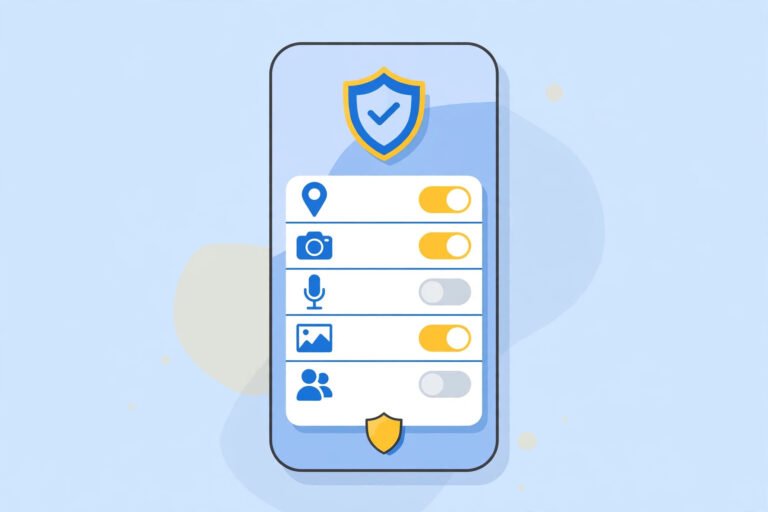
- Apne phone par screen lock (PIN/fingerprint) zaroor rakho, kyunki DigiLocker mein tumhare asli documents hain.
- Document share karte waqt sirf official share option use karo, screenshot har jaga mat bhejo.
- Cyber cafe ya kisi aur ke phone par login karo to kaam ke baad logout lazmi karo.
- Agar phone kho jaye to foran apna PIN/account secure karne ke liye official website se password/PIN badlo aur bank IDs ki tarah isay bhi serious lo.
Ye wahi safety soch hai jo hum har app ke liye kehte hain: official source, permissions par nazar, aur apni maloomat apne paas. Mazeed Android safety guides ke liye APK Guides section dekho, aur Play Store apps ki mazeed guides ke liye Play Store Apps category save kar lo.
Frequently Asked Questions
Kya DigiLocker ka driving licence traffic police qabool karti hai?
Aam tor par haan. DigiLocker mein fetch kiya hua (issued) driving licence digitally signed hota hai aur traffic checking mein asal licence ke barabar mana jata hai. Retail copy ya khud upload ki hui photo par ye baat laagu nahi hoti, is liye document hamesha fetch karo, photo upload nahi.
DigiLocker bilkul free hai?
Haan. App download karna, account banana aur documents fetch karna free hai. Agar koi website ya banda DigiLocker account banane ya document nikalne ke paise mange to wo government ki fee nahi hai — seedha official app khud use karo.
Aadhaar link kiye baghair DigiLocker chalega?
Account ban jayega aur tum apne documents upload kar sakte ho, lekin zyada tar issued documents (DL, marksheet, RC) fetch karne ke liye Aadhaar-based pehchan chahiye hoti hai kyunki departments usi se record match karte hain. Is liye Aadhaar link recommended hai.
Mera board/university DigiLocker par nahi mil raha, kya karun?
Kuch states aur boards abhi tak DigiLocker issuer network se nahi jude. Aisi surat mein apne board/university ki official website se document lo aur DigiLocker mein sirf apni copy upload karke rakho taake hamesha accessible rahe. Uploaded copy official issued document nahi mani jayegi, ye farq yaad rakho.
Phone kho jaye to mere documents ka kya hoga?
Tumhare issued documents tumhare DigiLocker account mein hain, phone ke andar save nahi hote. Naye phone par official app mein apne account se login karo to sab wapas mil jayega. Isi liye apna mobile number aur PIN mehfooz rakhna sab se zaroori hai, aur khoye hue phone ke baad PIN lazmi badlo.
Conclusion
Ab tumhein how to use DigiLocker app pata hai: Play Store se official app lo, mobile aur Aadhaar se account banao, aur driving licence, RC, marksheet jaise documents fetch karke hamesha phone mein rakho. Paper documents ki tension khatam, aur OTP/PIN ki hifazat tumhari zimmedari. Aisi hi asan, official aur safe app guides ke liye hamari Play Store Apps category dekhte raho.
APKKASH ek independent guide site hai aur DigiLocker, Government of India, Google ya kisi department se affiliated nahi hai. DigiLocker ek Government of India service hai; hamesha official app aur digilocker.gov.in website hi use karein. Apna OTP aur PIN kabhi kisi ke saath share na karein.
3 Comments