APK Not Installing on Samsung Galaxy? 6 Easy Fixes (2026)
Tum ne ek APK file download ki, install dabana chaha, aur Samsung Galaxy phone ne seedha rok diya. Ya to “App not installed” aya, ya Auto Blocker ka message, ya file khuli hi nahi. Ye masla itna aam hai ke log phone ko kharab samajhne lagte hain. Asal mein APK not installing on Samsung phones par zyada tar koi kharabi nahi hoti — Samsung ki hifazati settings jaan boojh kar bahar se ayi apps ko rokti hain. Ye guide tumhein har wajah aur us ka sahi, mehfooz hal batayegi.
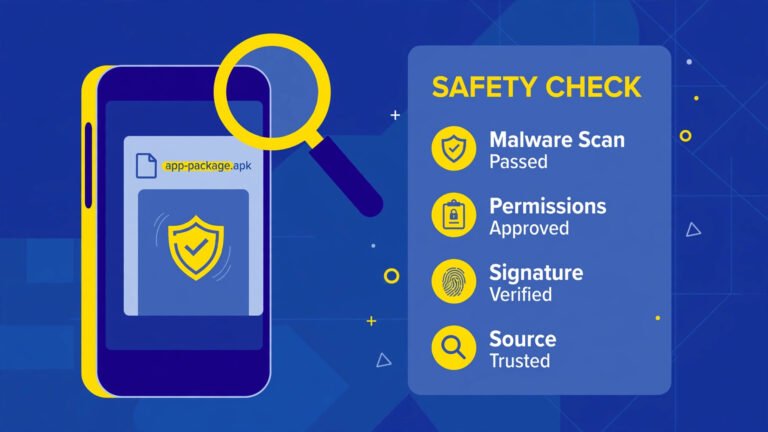
Sab se pehli baat: Jo file tum install karne ja rahe ho, wo kisi official source se honi chahiye. Agar file kisi mod site ya ajnabi link se ayi hai, to Samsung ka use rokna hi sahi hai — us rukawat ko hatana mat seekho, file ko delete kar do. Official aur mehfooz file ke liye aage ki fixes bilkul theek hain. File ki hifazat check karna nahi ata to pehle hamari APK safety check guide parh lo.
Quick Answer: APK Not Installing on Samsung Galaxy — Fixes
- Auto Blocker check karo — Samsung ki ye setting sideloading ko rok deti hai. Sirf mehfooz file ke liye, waqti tor par band karke wapas on kar do.
- Install unknown apps ki ijazat sirf usi app ko do jisse file khol rahe ho (Files ya Chrome).
- File dobara official source se download karo — adhoori download sab se aam wajah hai.
- Phone ki storage aur Android version check karo.
- App pehle se maujood ho to signature conflict hota hai — purani official version update karo, mod par mat jao.
Neeche har fix tafseel se hai, bilkul usi order mein jis mein try karna chahiye.
Table of Contents
Samsung Par APK Install Kyun Rukta Hai?
Samsung ke One UI mein dusre Android phones ke muqable ek extra hifazati teh hai. Ye wajahen sab se aam hain:
| Wajah | Screen par kya ata hai | Hal kis fix mein |
|---|---|---|
| Auto Blocker on hai | “Blocked by Auto Blocker” jaisa message | Fix 1 |
| Install ki ijazat nahi di | “For your security, your phone is not allowed to install unknown apps” | Fix 2 |
| File adhoori/kharab hai | “App not installed” ya parsing error | Fix 3 |
| Storage kam hai | Install beech mein ruk jana | Fix 4 |
| Signature ka takraar | “App not installed” — app pehle se hai | Fix 5 |
| Android version purana | Parsing error ya seedha fail | Fix 6 |
Fix 1: Auto Blocker Ko Samjho — Aur Sirf Zaroorat Par Waqti Band Karo
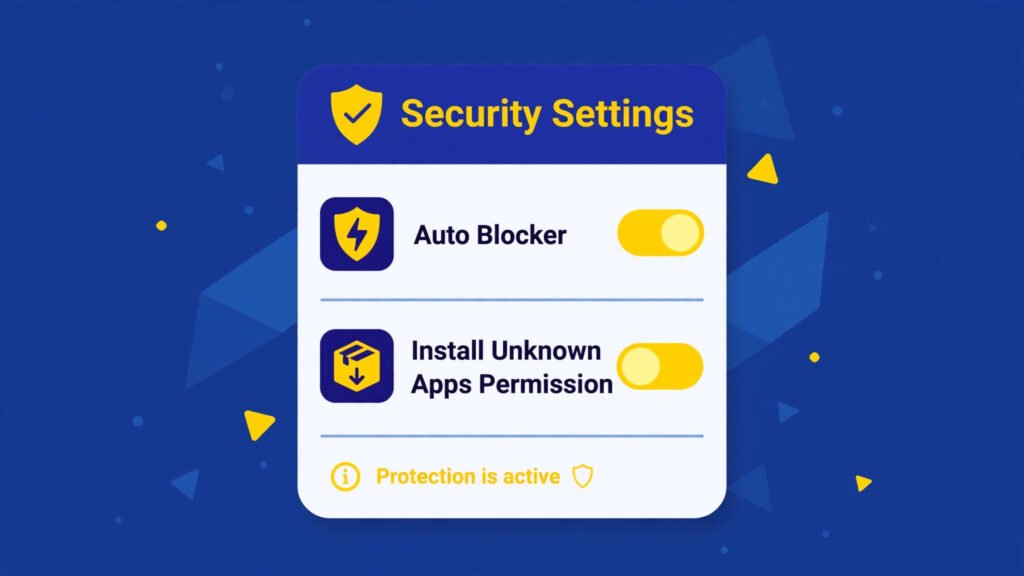
Auto Blocker Samsung ki ek mazboot hifazati setting hai jo bahar se install hone wali apps, kuch USB commands aur mashkook cheezon ko rokti hai. Agar tumhein “Blocked by Auto Blocker” dikhe to phone kharab nahi, ye setting apna kaam kar rahi hai.
- Settings → Security and privacy → Auto Blocker mein jao.
- Pehle parho ke ye kya rokta hai. Phir socho: kya meri file waqai official aur mehfooz hai?
- Agar file developer ki official site ya tumhare apne backup se hai, tab hi use waqti tor par Off karo.
- APK install karo.
- Foran wapas On kar do. Ye qadam bhoolna sab se aam ghalti hai.
Honest warning: agar file kisi mod ya ajnabi site se hai to Auto Blocker ko band karna is guide ki hidayat nahi hai. Wohi file delete kar do — Samsung tumhein bacha raha hai.
Fix 2: Install Unknown Apps Ki Ijazat Sirf Ek App Ko Do
Android mein har app ko alag ijazat milti hai ke woh dusri apps install kar sakti hai ya nahi. Samsung par ye message bohat aam hai: “For your security, your phone is not allowed to install unknown apps from this source.”
- Settings → Apps → upar ke menu se Special access → Install unknown apps.
- Woh app chuno jisse tum file khol rahe ho — aam tor par My Files ya Chrome.
- Sirf usi ek ko Allow from this source do.
- File par tap karke install karo.
- Kaam ho jane ke baad wapas aakar ye ijazat band kar do.
Pura aam tareeqa hamari pillar guide How to Install APK on Android Safely mein bhi diya hai — Samsung par bas Auto Blocker wali extra teh aur jud jati hai.
Fix 3: File Dobara Download Karo — Adhoori File Sab Se Aam Wajah Hai
Install screen tak baat hi na pahunche, ya “There was a problem parsing the package” ajaye, to sab se pehle file par shak karo:
- Downloads se purani file delete karo.
- Official source se dobara download karo, download pura hone do — beech mein roko mat.
- File ka size dekho: agar website par likhe size se bohat chhota hai to download adhoora hai.
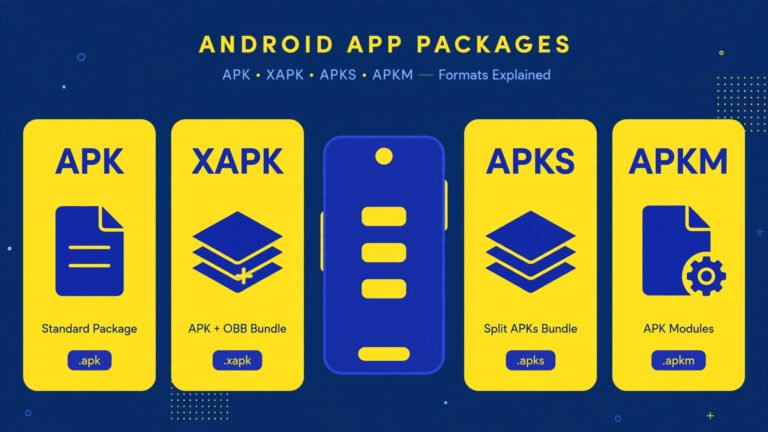
- File ka end check karo: .apk hona chahiye. Agar .xapk ya .apks hai to woh bundle hai jo seedha nahi khulta — us ke liye hamari XAPK/APKS install guide parho.
Parsing error ki poori tafseel hamari parsing package fix guide mein hai — wahan 9 wajahen ek ek karke di hain.
Fix 4: Storage Aur Phone Ki Halat Check Karo
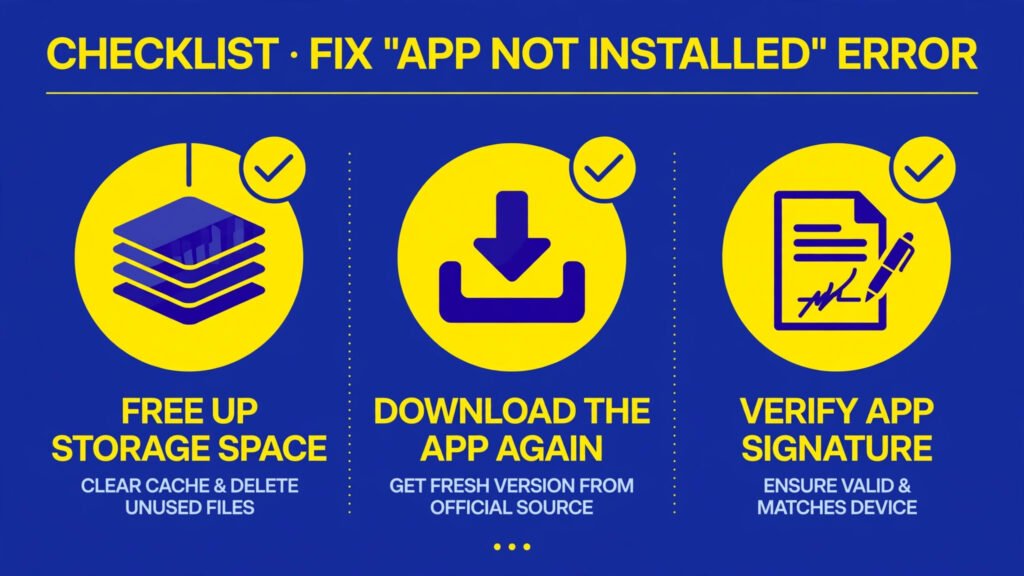
- Settings → Battery and device care → Storage mein dekho kitni jagah bachi hai. App ke size se kam az kam dugni jagah khali rakho.
- Phone ko ek baar restart karo — aarzi atak aksar is se nikal jata hai.
- Settings → Software update se dekho koi One UI/Android update para to nahi. Hifazat aur install ki salahiyat dono updates se behtar hoti hain.
Fix 5: App Pehle Se Maujood Hai? Signature Ka Takraar Samjho
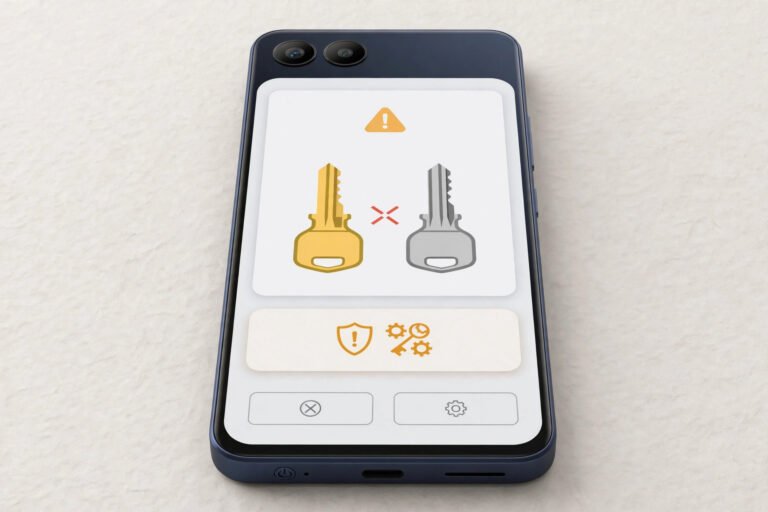
Agar wohi app pehle se phone mein hai aur tum us par nayi file install karne jao, to Android dono ki digital signature milata hai. Signatures alag hon to “App not installed” ajata hai. Ye aam tor par tab hota hai jab:
- Pehli app Play Store se li thi aur ab tum kisi site ki file us par chadha rahe ho
- File mod ya badli hui hai (ye to waise bhi kabhi mat karo)
- Pehle wala aur naye wala version alag alag sources se hain
Safe hal: app ko usi source se update karo jahan se pehle li thi. Agar source badalna hi hai to pehle app ke data ka backup lo, purani app uninstall karo, phir nayi official file install karo — lekin samjho ke data jayega. Is masle ki poori tafseel hamari package conflicts fix guide mein hai.
Fix 6: Android Version Aur App Ki Zaroorat Milao
Har APK ek kam-az-kam Android version mangti hai. Tumhara Samsung purane version par ho aur app nayi ho, to install seedha fail hoga ya parsing error dega.
- Settings → About phone → Software information mein apna Android version dekho.
- App ki official page par us ki zaroorat (minimum Android) dekho.
- Phone update ho sakta ho to pehle update karo — purane phone par zabardasti karne ki koi mehfooz tarkeeb nahi hai.
Jo Kabhi Mat Karna
- Auto Blocker ya Play Protect ko hamesha ke liye band mat rakho — install ke baad on karna hi is guide ki asal hidayat hai
- Kisi website ke kehne par “security settings band karke ye mod install karo” wala rasta kabhi mat lo
- Apna Samsung account, OTP ya koi code kisi “helper” ko mat do jo install karne ka dawa kare
- Ek hi file ko das jagah se download karke bar bar try mat karo — source ek, official, bas
Frequently Asked Questions
APK not installing on Samsung — kya mera phone kharab hai?
Aksar nahi. Samsung ke One UI mein Auto Blocker aur per-app install ijazat jaise extra hifazati steps hain jo dusre phones se zyada sakht hain. Is guide ki fixes order se try karo: Auto Blocker, ijazat, fresh download, storage, phir signature aur version. File kharab ho to koi setting madad nahi karegi — woh delete karne ki cheez hai.
Auto Blocker band karna mehfooz hai?
Sirf is shart par: file kisi official source se ho, tum ne use check kiya ho, aur install ke foran baad Auto Blocker wapas on kar do. Kisi ajnabi ya mod file ke liye use band karna mehfooz nahi hai — wohi rukawat tumhari hifazat hai.
“App not installed” Samsung par bar bar kyun ata hai?
Sab se aam teen wajahen: file adhoori download hui, app pehle se maujood hai aur signature match nahi karta, ya tumhara Android version app ke liye purana hai. Fix 3, 5 aur 6 isi order mein dekho. Phir bhi na ho to file ko hi kharab samjho aur official source se lo.
Kya Samsung par Play Store ke baghair app lena hi nahi chahiye?
Play Store hi pehli pasand hai — wahan ki app Samsung ki hifazat se takrati hi nahi. Bahar ki file sirf tab jab app Play par na ho aur file developer ke official source se mile. Yehi usool hamari tamam APK Guides ka hai.
Install ho gayi lekin app khulte hi band ho jati hai, kya karun?
Pehle phone restart karo aur app ka cache saaf karo (Settings → Apps → woh app → Storage → Clear cache). Phir bhi band ho to woh version tumhare phone/Android ke liye theek nahi bana — official source se sahi version lo ya Play Store version par wapas jao. Galat source ki file par waqt zaya mat karo.
Conclusion
APK not installing on Samsung ka masla aksar phone ki kharabi nahi, Samsung ki hifazat ka kaam hai: Auto Blocker dekho, sirf ek app ko install ki ijazat do, file taza aur official lo, aur kaam hote hi hifazat wapas on kar do. Jo file in sab ke baad bhi na chale, use install karwana hi ghalat hai. Mazeed Android madad ke liye hamari APK Guides category mein har error ka mehfooz hal maujood hai.
APKKASH ek independent guide site hai aur Samsung, Google ya kisi app developer se affiliated nahi hai. Samsung Galaxy aur One UI Samsung ke, Android Google LLC ke trademarks hain. Apps hamesha official sources se lein.