5 Best Safe APK Download Sites (2026): Trusted Sources Only
Table of Contents
Quick Answer
The best safe APK download sites in 2026 are APKMirror, F-Droid, Aurora Store, Uptodown, and official developer websites/GitHub releases. These sources verify file signatures, publish version histories, and do not bundle modded or cracked apps. Avoid any site offering “premium unlocked” or “mod APK” downloads — those are the #1 source of Android malware.
Why the Source Matters More Than the APK
An APK is just a container. The danger is not the format — it is who packed it. A legitimate APK from the developer and a trojaned copy of the “same” app look identical in your file manager. The only protection is downloading from a source that verifies what it hosts.
That is the entire philosophy behind this list of the best safe APK download sites: every site below either cryptographically verifies uploads against the Play Store, builds from public source code, or is the developer themselves.
The 5 Best Safe APK Download Sites
| Site | Best For | Account Needed | Why Trust It |
|---|---|---|---|
| APKMirror | Mainstream apps, older versions | No | Signature-verified against Play Store |
| F-Droid | Open-source & privacy apps | No | Builds from public source code |
| Aurora Store | Play Store apps without Google account | No | Pulls directly from Google Play |
| Uptodown | Version history, simple downloads | No | Scans files, long track record |
| Official developer sites / GitHub | Specific apps | Varies | Comes straight from the maker |
1. APKMirror — The Gold Standard
APKMirror is the most trusted APK site on the web. Every upload is signature-verified to match the developer’s original Play Store release before it goes live — if the signature does not match, it is rejected. It also keeps full version histories, so you can grab an older build when a new update breaks something.
Best for: popular apps, Google apps, beta versions, rolling back updates.
Watch out for: APKMirror hosts split APKs (.apks) for modern apps — use a proper installer (see our XAPK/APKS install guide) rather than the stock installer.
2. F-Droid — Open Source Only
F-Droid is not just a download site — it is an app store that only lists free, open-source software. Every app is built from publicly available source code, so anyone can audit what it does. No ads, no tracking, no mystery binaries.
Best for: privacy tools, ad-blockers, open-source utilities.
Watch out for: the catalogue is smaller than commercial stores — you will not find WhatsApp or banking apps here.
3. Aurora Store — Play Store Without the Account
Aurora Store is an open-source client that downloads apps directly from Google’s own servers — no middleman file hosting at all. You get the exact same APK the Play Store would give you, without needing a Google account on the device.
Best for: de-Googled phones, privacy setups, region-available free apps.
Watch out for: it cannot give you paid apps you have not bought, and heavy use of anonymous accounts can hit rate limits.
4. Uptodown — Simple and Long-Running
Uptodown has hosted Android apps for well over a decade. It scans uploads, keeps complete version histories, and offers a clean download experience without aggressive pop-ups. A solid second choice when APKMirror does not have what you need.
Best for: older app versions, straightforward downloads on any device.
Watch out for: stick to well-known apps; as with any large catalogue, obscure uploads deserve a safety check first.
5. Official Developer Websites and GitHub Releases
The safest source of all is the developer themselves. Many open-source and independent apps publish APKs on their official site or under GitHub Releases — Signal, VLC, and countless indie apps do this. There is no intermediary to tamper with the file.
Best for: any app whose developer offers a direct download.
Watch out for: make sure you are on the real site (check the URL carefully — phishing clones exist). When in doubt, reach the download link from the app’s Play Store listing description.
7 Red Flags: Sites to Avoid
| # | Red Flag | What It Means |
|---|---|---|
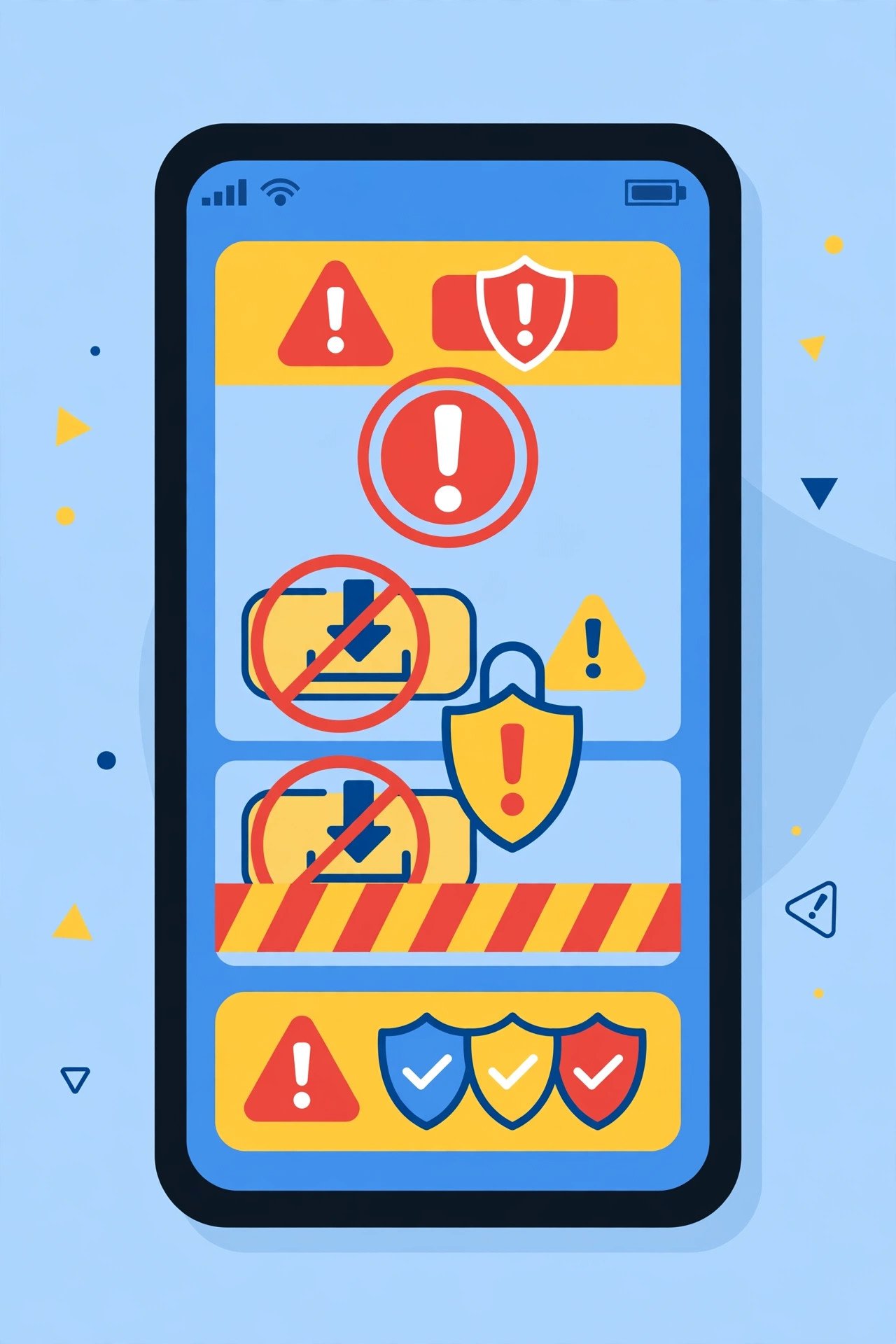
| 1 | “Mod APK”, “Premium Unlocked”, “Cracked” | Pirated + very often malware-infected |
| 2 | Download button hidden among 5 fake buttons | Adware trap design |
| 3 | Forces you to install their “downloader app” | Unnecessary software, often spyware |
| 4 | No version history or file details | No accountability for what you get |
| 5 | Requires disabling Play Protect | They want your only safety net gone |
| 6 | HTTP instead of HTTPS | File can be tampered with in transit |
| 7 | Asks for phone number/OTP to download | Data harvesting, possibly SIM fraud |
If a site shows even two of these, close the tab. No app is worth a compromised phone. Run anything you do download through our APK safety check guide before installing.
After Downloading: Verify Before Installing
Even from a trusted site, build the habit:
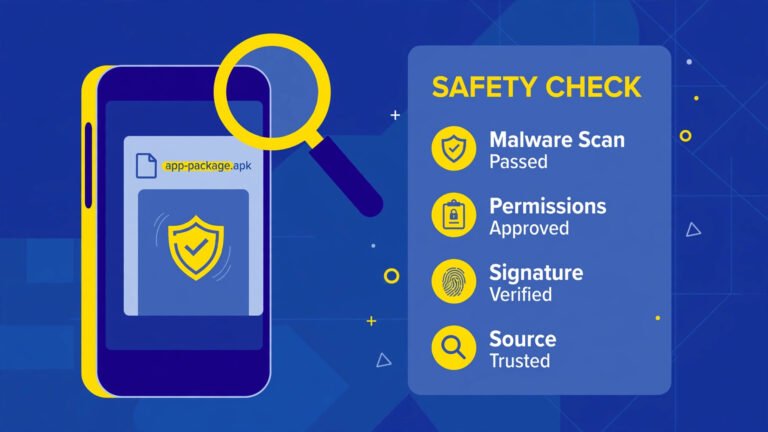
- Scan with VirusTotal — upload the file; 60+ antivirus engines check it in a minute.
- Check permissions — a flashlight app asking for SMS access is a red flag.
- Compare the version — make sure it matches the version number the site advertised.
- Keep Play Protect on — it scans sideloaded apps too.
Our full walkthrough: How to Check If an APK File Is Safe Before Installing.
Frequently Asked Questions About Safe APK Download Sites
Is APKMirror safe?
Yes. APKMirror is widely regarded as the safest APK site because every file is signature-verified against the developer’s original Play Store release. It is the source we recommend first.
Is it legal to download APKs from these sites?
Downloading free apps from these safe APK download sites is legal. Downloading paid apps for free, or “modded” versions that unlock premium features, is piracy — illegal and a common malware vector. This list covers only legitimate sources.
Which site is best for old versions of apps?
APKMirror and Uptodown both keep extensive version histories. Download the older version, then disable auto-update for that app in the Play Store so it is not immediately replaced.
Do I still need to scan APKs from safe sites?
It is good hygiene. The best safe APK download sites are very safe, but a 60-second VirusTotal scan costs nothing and catches the rare bad upload or a file you grabbed from the wrong mirror.
Why not just use the Play Store?
You should — the Play Store is always the first choice. These sites are for the legitimate gaps: older versions, beta builds, devices without Google services, and open-source apps.
Final Words
The best safe APK download sites share one trait: they verify what they host. Start with APKMirror for mainstream apps, F-Droid for open-source, Aurora Store when you want Play Store files without an account, Uptodown as a backup, and the developer’s own site whenever available. Avoid anything with “mod” in the name, and verify every file before you tap install. New to sideloading? Begin with our pillar guide: How to Install APK on Android Safely.