Is DigiLocker Driving Licence Valid? Traffic Police Rules Explained (2026)
Table of Contents
Quick Answer
Yes — a DigiLocker driving licence is fully valid and traffic police across India are legally required to accept it. Under the IT Act, 2000 and the Ministry of Road Transport and Highways (MoRTH) circular of 2018, documents shown through DigiLocker or mParivahan carry the same legal weight as the physical originals. The key condition: it must be the issued document inside the DigiLocker/mParivahan app — a screenshot or photo of your licence in your gallery does not count.
The Exact Law Behind It
You do not need to take anyone’s word for it. Three legal provisions back the validity of a DigiLocker driving licence:
- IT Act, 2000 (Sections 4 and 7) — gives electronic records the same legal validity as paper documents.
- MoRTH circular RT-11036/93/2018-RS (2018) — directs all traffic enforcement authorities to accept documents displayed via DigiLocker and mParivahan as legally equivalent to physical originals at roadside checks, toll plazas, and enforcement situations.
- Rule 139 of the Central Motor Vehicle Rules, 1989 — governs production of documents on demand, and is read together with the above for digital documents.
In plain words: when a traffic officer asks for your licence, showing the issued DL inside DigiLocker is legally the same as handing over the card.
What Counts as Valid (and What Does Not)
This is where most confusion comes from. Not every digital copy is equal:
| Format | Valid? | Why |
|---|---|---|
| DL in DigiLocker “Issued Documents” | Yes | Fetched from the official Parivahan database, digitally signed |
| Virtual DL in mParivahan app | Yes | Issued by MoRTH itself |
| Photo/screenshot of DL in gallery | No | Not verifiable, easily faked |
| PDF scan saved on phone | No | Same problem — no digital signature |
| Photocopy in your wallet | No | Never been valid on its own |
The rule is simple: if it came from the government’s own system (DigiLocker issued documents or mParivahan), it is valid. If you made the copy yourself, it is not.
How to Show It to Traffic Police
- Open the DigiLocker app and go to Issued Documents (download it beforehand — see our step-by-step DigiLocker DL download guide).
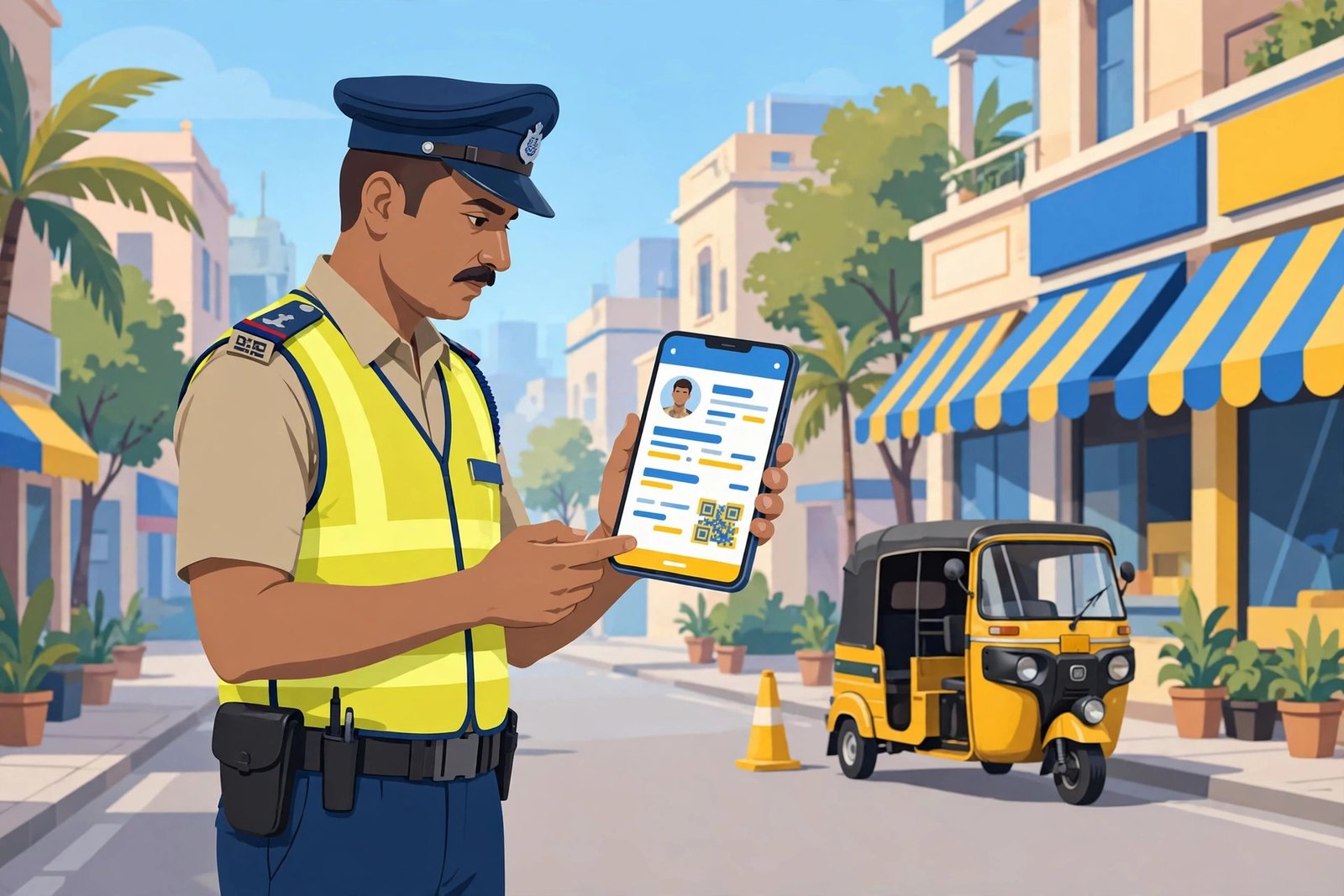
- Tap your driving licence to open it — the QR code lets the officer verify it instantly.
- If you use mParivahan, open the app and show the virtual DL from your profile (full mParivahan guide here).
Pro tip: download the document inside the app while you have internet, so it is available offline at the checkpoint. Both apps store issued documents for offline viewing.
What If the Officer Refuses to Accept It?
It happens — some officers are unfamiliar with the rule or prefer the physical card. Stay calm and handle it this way:
- Politely mention the MoRTH 2018 circular — most officers recognise it once named.
- Show the document open inside the app, not a screenshot, so the QR code is visible for verification.
- Do not argue aggressively. Note the officer’s name and badge number.
- If a challan is wrongly issued, you can contest it later through the official channel — keep the challan copy.
Knowing the rule and staying polite resolves the vast majority of these situations.
DigiLocker vs mParivahan: Which Is Better for DL?
Both are equally valid by law, but they have practical differences:
| Feature | DigiLocker | mParivahan |
|---|---|---|
| Issued by | MeitY (Digital India) | MoRTH directly |
| DL source | Fetched from Parivahan database | Native virtual DL |
| Also holds | Aadhaar, PAN, marksheets, RC | RC, challan check & payment |
| Officer familiarity | High | Very high (transport ministry app) |
| Offline access | Yes, once downloaded | Yes |
Our recommendation: keep both apps installed. Use mParivahan when dealing with traffic police (officers know it best), and DigiLocker for everything else — it holds all your documents in one place. If your DL ever fails to appear in DigiLocker, our DigiLocker document not showing fix covers the common causes.
Frequently Asked Questions
Is DigiLocker driving licence valid across all Indian states?
Yes. The MoRTH circular is a central government notification, so a DigiLocker DL is valid in every state and union territory, not just the state where it was issued.
Can traffic police fine me for not carrying the physical licence?
No — not if you show the issued document in DigiLocker or mParivahan. They cannot fine you for the absence of the physical card when a valid digital original is produced.
Is a DigiLocker RC (registration certificate) also valid?
Yes. The same rules cover the registration certificate, and many users keep both DL and RC in the app. PUC certificates fetched as issued documents are covered too.
Do I need internet to show my DigiLocker DL?
Not at the checkpoint. Once the document is downloaded inside the app, it opens offline. Just make sure you open it once with internet before you travel.
Should I still carry my physical licence?
It is optional but sensible as a backup — especially in remote areas with no network and officers who may be unfamiliar with digital verification. But legally, the digital original is enough.
Is a photo of my licence in Google Photos valid?
No. Only the issued document inside DigiLocker or the virtual DL in mParivahan counts. Gallery photos, PDFs, and scans have no legal standing.
Final Words
So, is DigiLocker driving licence valid? Absolutely — the law is clear, and the MoRTH circular says traffic police must accept it. Just make sure you are showing the real issued document inside the app, keep it downloaded for offline use, and stay polite if an officer is unsure. New to DigiLocker? Start with our complete how to use DigiLocker app guide.