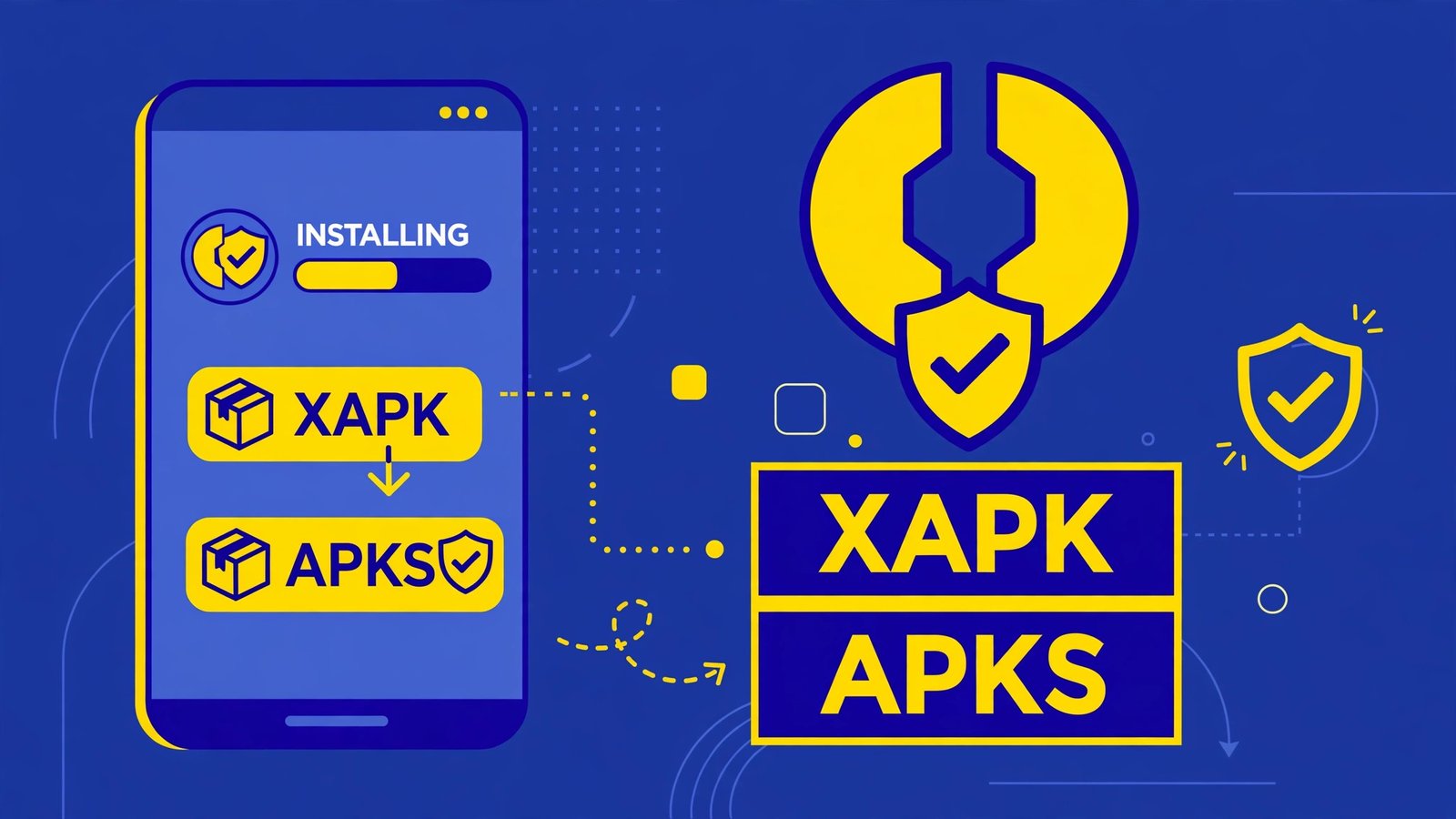
How to Install XAPK and APKS Files on Android Safely (2026 Guide)
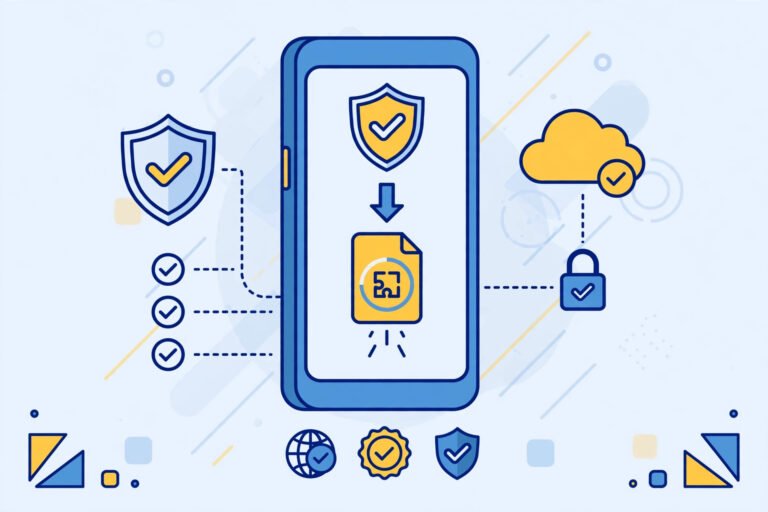
You downloaded an app file and it does not end in .apk — it says .xapk or .apks. You tap it and nothing happens. Now you are searching how to install XAPK or APKS files on your Android phone. Before you install the first “XAPK installer” a random website throws at you, read this guide. These bundle files can be legitimate, but they are also one of the easiest ways to sneak a tampered app onto a phone. We will show you the safe method, in the right order, with the checks that keep you out of trouble.
Pehli baat, bilkul saaf: this guide is only for legal files — a backup of a free app from your own phone, or a bundle from a developer’s official source. If the XAPK/APKS you found is a mod, a premium-unlocked build, or a paid app “for free”, delete it now. No installer makes that safe or legal. Agar file kya hoti hai yehi clear nahi hai, pehle hamari APK vs XAPK vs APKS vs APKM difference guide parh lo.
Quick Answer: How to Install XAPK and APKS Files
- Sab se pehle file ka source check karo — sirf official ya apna backup.
- File ko VirusTotal par scan karo.
- Google Play se ek jana-mana split/XAPK installer app lo (website se installer APK kabhi mat lo).
- Installer ko sirf usi ek install ke liye “Install unknown apps” ki ijazat do.
- File select karo, installer jo pieces dikhaye unhein parho — naam wahi hona chahiye jo tum expect kar rahe ho — phir install karo.
- Ho jane ke baad installer ki ijazat wapas band kar do, aur Play Protect scan chalao.
Yehi poora tareeqa hai. Neeche har step ki wajah aur tafseel hai, kyunki in files mein “jaldi jaldi install” hi sab se bari ghalti hoti hai.
Table of Contents
XAPK Aur APKS Android Par Seedha Kyun Nahi Khulta?
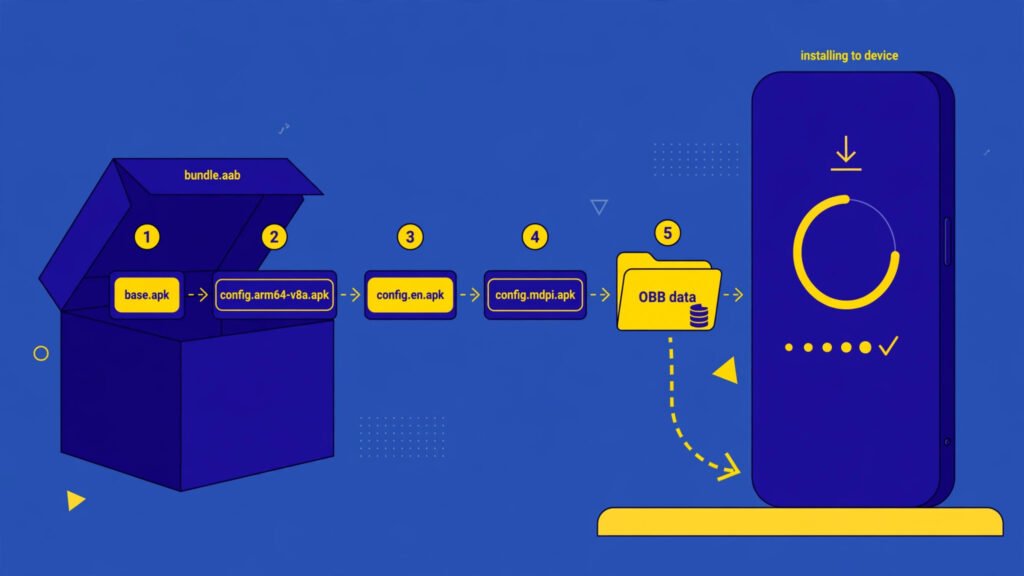
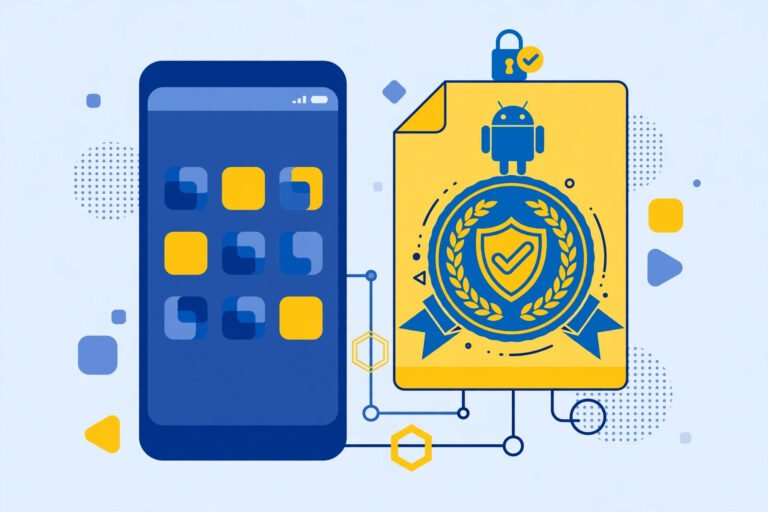
Android ka apna installer sirf ek cheez samajhta hai: ek mukammal APK file. XAPK aur APKS is se alag hain:
| File | Andar kya hota hai | Seedha tap karne par |
|---|---|---|
| XAPK | Ek APK + OBB data (bare games ki extra files) | Kuch nahi khulta ya error |
| APKS / APKM | Kayee chhote split APKs ka bundle (base + language/screen/processor pieces) | Kuch nahi khulta ya error |
| APK | Ek mukammal app file | Normal install screen khulti hai |
Isi liye in bundles ko ek alag installer chahiye jo packet khol kar saare hisse sahi jagah install kare. Aur yahin se hifazat ka sawal shuru hota hai: packet ke andar kya hai, tumhein bahar se nazar nahi ata.
Step 0: Install Se Pehle Ye 3 Checks (Sab Se Zaroori)
Zyada tar guides seedha installer par kudti hain. Galat. Installer baad mein ata hai, hifazat pehle.
1. Source check karo
- Theek: developer ki official website, ya apne hi phone se banaya hua backup
- Khatra: kisi website ka “mod XAPK”, forwarded file, ya paid app ka free bundle
- File kahan se ayi ye yaad na ho to use install hi mat karo
2. File scan karo
VirusTotal par file upload karke scan karo. Kayee engines clear trojan/spyware kahein to file wahi delete kar do. Pura tareeqa hamari APK safety check guide mein step by step diya hai — XAPK/APKS par ye aur bhi zaroori hai kyunki in ke andar ke hisse chupe hote hain.
3. Naam aur size milao
Jo app tum install karne ja rahe ho, us ka naam aur takreeban size Play Store par dekho. Bundle us se bilkul alag naam ya ajeeb sa size rakhta ho to ruk jao.
Step 1: Ek Bharose Ka Split Installer Lo — Sirf Play Store Se
- Google Play Store kholo aur “split apk installer” ya “xapk installer” search karo.
- Ek woh app chuno jis ka Play Store par purana aur saaf record ho — developer ka naam dekho, taza reviews parho.
- Kisi website se installer ki APK file kabhi mat lo. Jo tool tumhare saare installs sambhalega, use khud kisi ajnabi site se lena sab se bari bewaqufi hai.
Yaad rakho: acha installer bhi kharab bundle ko acha nahi bana sakta. Installer sirf packet kholta hai — packet ke andar ki cheez ki zimmedari source par hi hai.
Step 2: Installer Ko Sirf Ek Install Ke Liye Ijazat Do
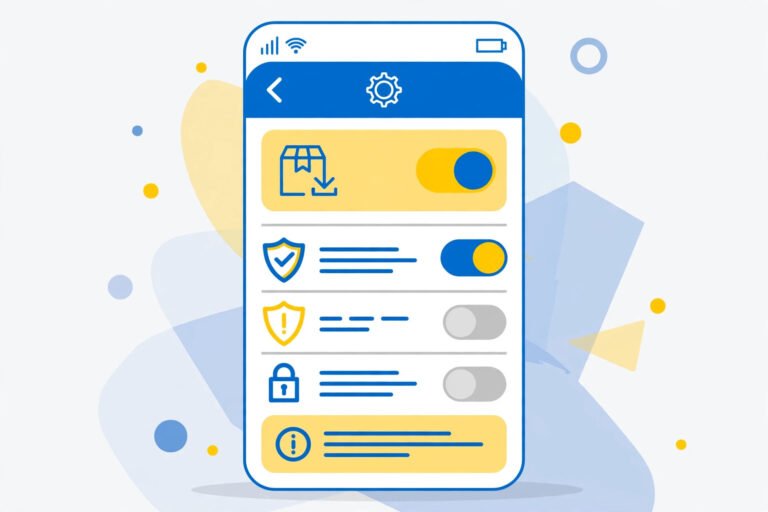
- Settings → Apps → Special app access → Install unknown apps mein jao.
- Sirf apne chune hue installer app ko Allow karo. Browser ya kisi aur app ko nahi.
- Install ho jane ke baad isi jagah wapas aakar ye ijazat band kar deni hai (Step 4).
Samsung phones par Auto Blocker sideloading ko rok sakta hai, aur Xiaomi/HyperOS par extra warnings ati hain. Ye warnings tumhari hifazat hain. Agar koi website tumhein Play Protect ya Auto Blocker band karna sikhaye taake un ki file install ho, samjho wohi file asal masla hai.
Step 3: XAPK / APKS File Install Karo
- Installer app kholo aur Install APKs / Select file jaisa option dabao.
- Apni .xapk ya .apks file Downloads se select karo.
- Installer tumhein dikhayega ke woh kaun kaun se hisse install karne ja raha hai. Yahan ruk kar parho: app ka naam aur package wahi hona chahiye jo tum ne manga tha. Ajnabee naam ya ajeeb extra cheez dikhe to wahi cancel kar do.
- Install dabao aur Android ki apni install screen par permissions parh kar confirm karo.
- App khulne ke baad ek minute use karke dekho — ajeeb ads, khud khulne wale pages ya garam hota phone, ye sab foran uninstall ki alamat hai.
- Ho gaya to asal app ka kaam khatam. Ab Step 4 lazmi karo.
Step 4: Ijazat Wapas Band Karo Aur Scan Chalao
- Settings → Install unknown apps mein ja kar installer ki ijazat Off kar do.
- Play Store → profile → Play Protect → Scan chalao.
- Jo bundle file Downloads mein pari hai, kaam ho jane par use delete kar do. Wahan pari file kisi aur ke haath lagne ya dobara galat install ka sabab ban sakti hai.
- Jo installer tum ne liya tha, agar dobara kaam nahi to use bhi uninstall kar do. Kam apps, kam khatra.
Plain APK ke install ka pura tareeqa chahiye to hamari pillar guide How to Install APK on Android Safely mein sab kuch ek jagah hai.
Install Fail Ho Jaye To Kya Matlab Hai?
| Masla | Aam wajah | Safe hal |
|---|---|---|
| Installer file parhne se inkar kare | File adhoori download ya kharab bundle | Official source se dobara lo, warna Play Store version |
| “Parsing the package” error | Android version purana ya bundle ka hissa ghayb | Hamari parsing fix guide ki checks karo |
| “App not installed” / signature conflict | Pehle se maujood app se signature match nahi | Package conflict guide dekho, data backup pehle |
| Play Protect install roke | App ko khatarnaak samjha gaya | Ruk jao. Force mat karo — file delete kar do |
| Installer bohat si ajib permissions mange | Ghalat installer app | Use uninstall karo, Play Store se dusra saaf installer lo |
Ek usool yaad rakho: install ka fail hona aksar tumhari jeet hai. Android ya installer tumhein ek kharab file se bacha raha hota hai.
Frequently Asked Questions
How to install XAPK without an installer app — koi tareeqa hai?
Aam user ke liye nahi. XAPK ek packet hai jisme APK ke sath OBB data hota hai; Android use khud nahi khol sakta. Kuch log file ka naam badal kar ya packet khol kar haath se files rakhte hain, lekin ye tareeqa ghaltiyon bhara aur ghair mehfooz hai. Bharose ka Play Store installer hi sahi rasta hai — aur sab se sahi rasta app ka Play Store version hai.
Kya XAPK install karna safe hai?
Sirf tab jab bundle kisi official source se aya ho ya tumhara apna backup ho, tum ne use scan kiya ho, aur installer Play Store se liya ho. Kisi bhi website ke mod ya premium-unlocked XAPK ke liye jawab hamesha na hai — woh ghair qanuni bhi hai aur malware ka aam zariya bhi.
APKS aur XAPK mein install ka kya farq hai?
Tareeqa takreeban ek jaisa hai: dono ko split installer chahiye. Farq andar ke packet ka hai — XAPK mein APK ke sath OBB data hota hai, jabke APKS mein ek hi app ke kayee chhote split hisse hote hain. Dono ki hifazat ka usool ek hai: source, scan, phir install.
Installer ne kaha “install unknown apps” ki ijazat do — dun ya nahi?
Sirf us installer ko, sirf is ek install ke liye do, aur kaam hote hi wapas band kar do. Agar installer is ke ilawa accessibility ya device admin jaisi bari permissions mange to wohi ruk jao — ek saadah installer ko in ki zaroorat nahi hoti.
Install ke baad app ajeeb behave kar raha hai. Kya karun?
Airplane mode on karo, app uninstall karo, Play Protect scan chalao, aur agar app ne bari permissions li thi to apne zaroori passwords kisi saaf device se badal lo. Pura recovery tareeqa hamari APK safety guide mein hai.
Conclusion
Ab tum jante ho how to install XAPK aur APKS files sahi tareeqe se: pehle source aur scan, phir Play Store ka bharose wala installer, install ke baad ijazat band aur Play Protect scan. Asal baat phir wahi — bundle jitna chupa hua, hoshiyari utni zyada. Aur jahan Play Store version maujood ho, wahan ye sab karne ki zaroorat hi nahi. Mazeed step-by-step Android madad ke liye hamari APK Guides category dekhte raho.
APKKASH ek independent guide site hai aur Google ya kisi app developer se affiliated nahi hai. Android aur Google Play Google LLC ke trademarks hain. Apps hamesha official sources se lein; mod ya premium-unlocked files kabhi install na karein.


One Comment