How to Check Google Play Balance on Android (2026)
Wondering how to check Google Play balance on Android? This guide shows the three fastest ways to see your Play credit — in the Play Store app, on the web, and in your Google account — plus how to redeem gift cards and fix a balance that won’t show.
Table of Contents
Quick Answer
To check Google Play balance: open the Play Store, tap your profile icon → Payments & subscriptions → Payment methods. Your Google Play balance (Play credit) shows at the top of the list. You can also check it at play.google.com (same profile icon → Payments & subscriptions) or in your Google Account at myaccount.google.com under Payments & subscriptions.
Method 1: How to Check Google Play Balance in the Play Store App
- Open the Google Play Store.
- Tap your profile icon (top right).
- Tap Payments & subscriptions.
- Tap Payment methods.
Your Google Play balance appears at the top — this is credit from gift cards, Opinion Rewards payouts, and refunds. If you have never added credit, it shows ₹0.00.
Tip: make sure you are signed into the right Google account — tap the profile icon and check the email. Balances are per-account and do not transfer.
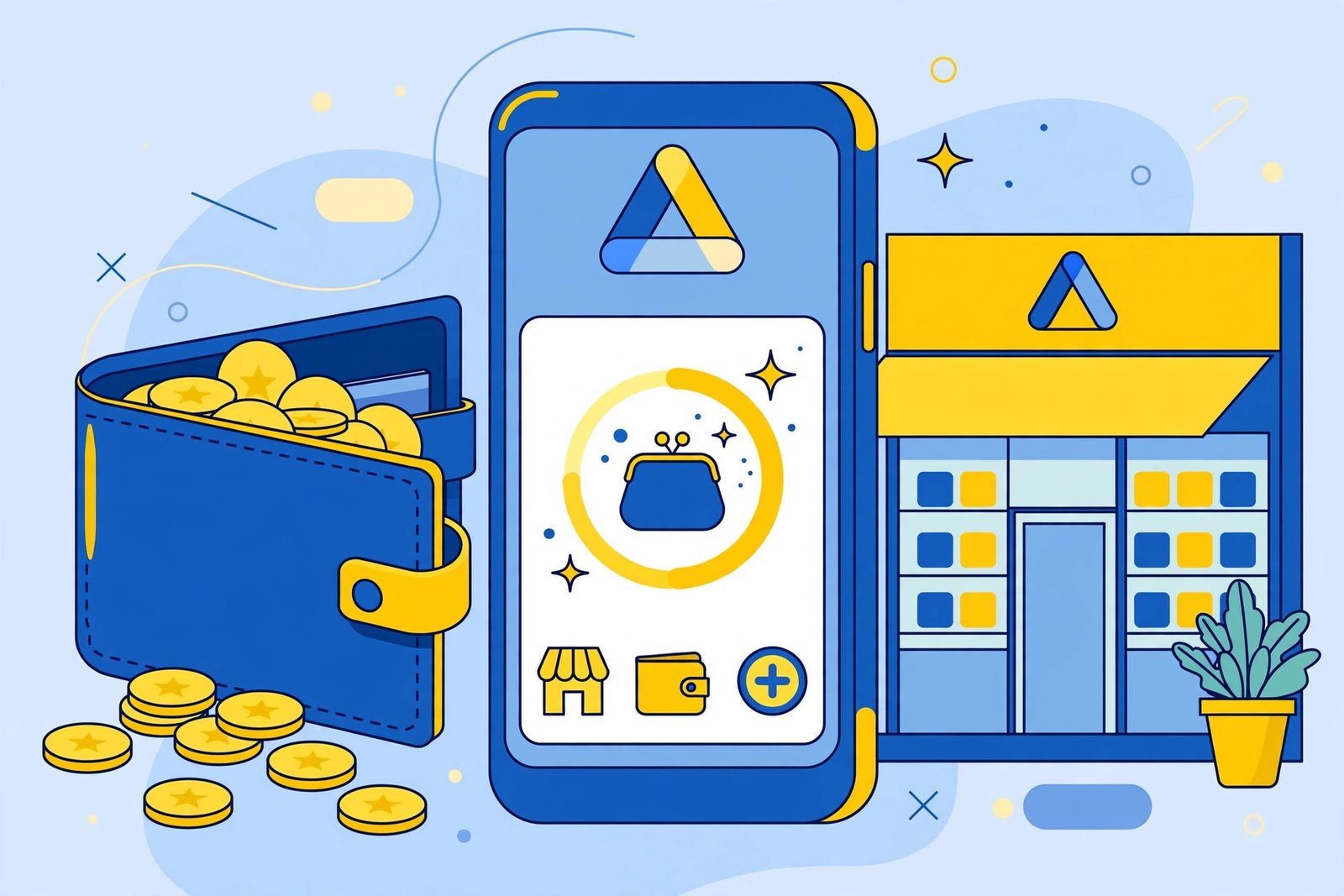
Method 2: How to Check Google Play Balance on the Web
- Go to play.google.com in a browser and sign in.
- Click your profile icon → Payments & subscriptions.
- Your Play balance shows under Payment methods.
Useful when your phone is not handy, or when you want a bigger screen to review transaction history.
Method 3: Check in Your Google Account
- Go to myaccount.google.com.
- Open Payments & subscriptions.
- Your Google Play balance appears alongside your other payment methods.
This is the same balance — all three methods read from one account ledger.
How to Add to Your Balance: Redeem a Gift Card
- Play Store → profile icon → Payments & subscriptions.
- Tap Redeem code (or “Redeem gift card”).
- Enter the code from your gift card or email receipt.
- The amount lands in your Play balance instantly.
Safety note: only buy gift cards from authorised retailers. Never share gift-card codes with strangers — “pay with a Google Play gift card” is a classic scam line. No legitimate company asks for payment in gift cards.
Where Does Play Balance Come From?
- Gift cards you redeem.
- Google Opinion Rewards payouts — short surveys that pay Play credit. Our Opinion Rewards earning guide shows how to maximise them.
- Refunds for returned apps, movies, or books.
- Occasional promotional credit from Google.
It spends on apps, games, in-app purchases, movies, books, and subscriptions billed through Google Play.
Troubleshooting: Balance Not Showing or Wrong
Wrong account: the #1 cause. Play balance is tied to the Google account signed into the Play Store — switch accounts via the profile icon and re-check.
Region mismatch: Play balance is region-locked. If you changed countries, old-region credit may not appear until the region fully switches (Google allows one region change per year).
Balance not updating after redeeming: wait a few minutes and pull to refresh. If a gift card code errors, double-check each character — 0/O and 1/I mix-ups are common.
Family sharing: the family manager’s payment methods are shared for purchases, but Play balance itself is per-account — children cannot spend the manager’s balance.
Keep Your Play Account Healthy
- Review what data your apps declare before spending balance on them.
- Set Play Store updates to Wi-Fi only so app updates do not eat your mobile data.
- Turn on purchase authentication (Play Store → profile icon → Settings → Authentication → Require authentication for purchases) so nobody else can spend your balance.
Frequently Asked Questions
How do I check my Google Play balance?
Play Store → profile icon → Payments & subscriptions → Payment methods. Your balance shows at the top. It is per Google account, so verify you are signed into the right one.
Why is my Play balance not showing?
Usually the wrong Google account is active, or a region change is pending. Switch accounts via the profile icon and check again.
Can I transfer Google Play balance to another account?
No. Play balance cannot be transferred between Google accounts or withdrawn as cash.
Does Google Play balance expire?
Promotional credit can expire (Google shows the date); gift-card and Opinion Rewards credit does not expire.
Can I use Play balance for subscriptions?
Yes — subscriptions billed through Google Play can use your balance. If the balance does not cover the full amount, Google charges the remainder to your backup payment method.
Is it safe to buy gift cards online?
Only from authorised retailers (official stores, known e-commerce sites). Never buy codes from strangers or social-media sellers — used or fake codes are common scams.
Final Words
Checking Google Play balance takes ten seconds: profile icon → Payments & subscriptions → Payment methods. Keep an eye on it if you earn through Opinion Rewards or redeem gift cards — and lock purchases behind authentication so your credit stays yours.