APK vs XAPK vs APKS vs APKM: What’s the Difference? (2026 Guide)
You downloaded an app file from a website and now you are staring at a confusing name. It says XAPK, APKS or APKM instead of the normal APK you know. You tap it and nothing opens, or Android shows an install error. Before you delete it or install a strange “installer app” from somewhere, stop. The APK vs XAPK difference is actually simple once you know what each format contains. This guide explains Android app package formats in plain language, which file opens directly, which needs a split installer, and which files you should simply stay away from.
Safety note first: this guide is for legal, personal use only — for example, backing up a free app you already use, or installing an open-source app from its official developer page. Always prefer Google Play first. Never download paid apps for free, premium-unlocked builds or mod APK files. Those files break copyright and are a very common way malware spreads on Android.
Quick Answer: APK vs XAPK in 10 Seconds
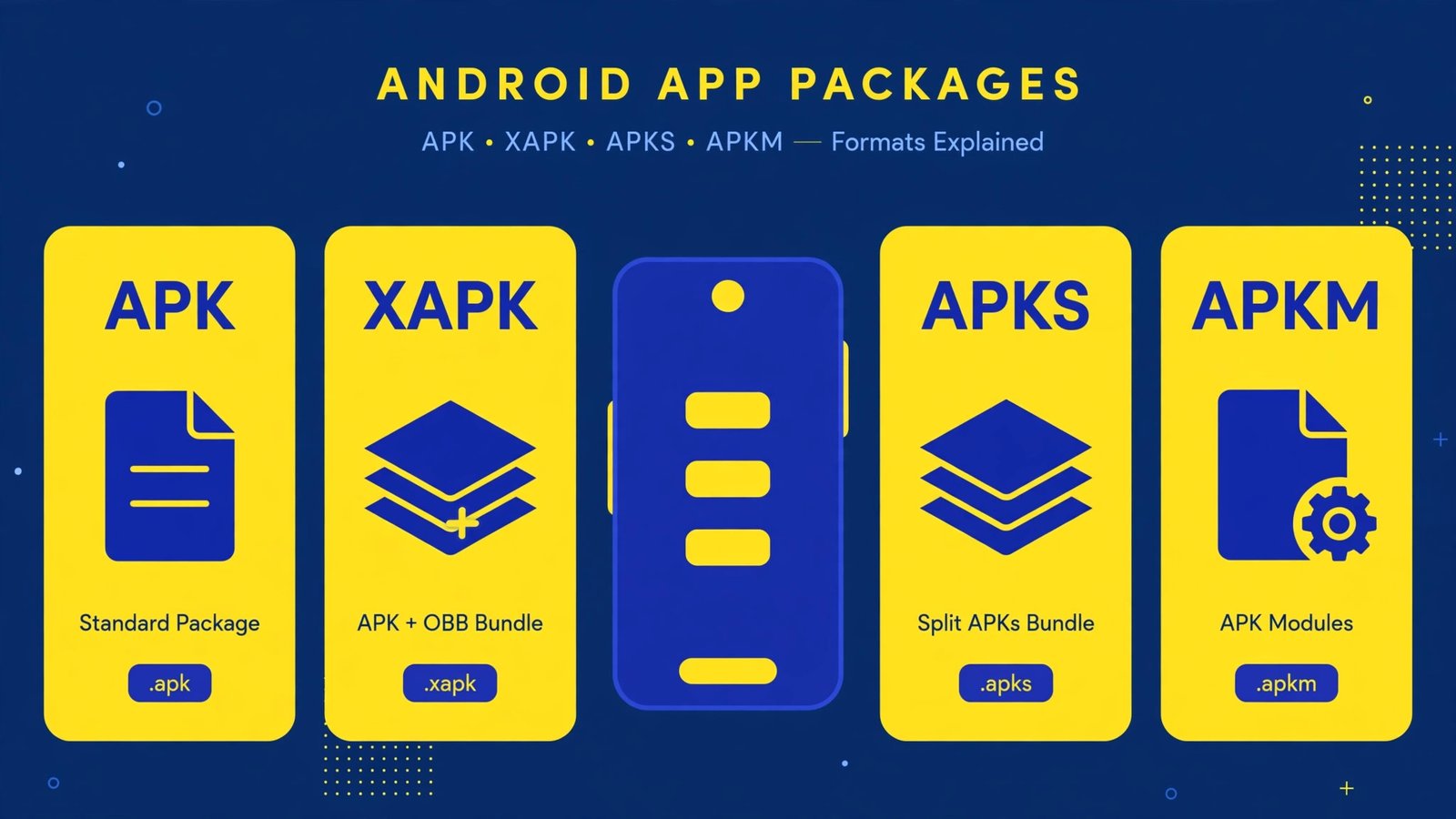
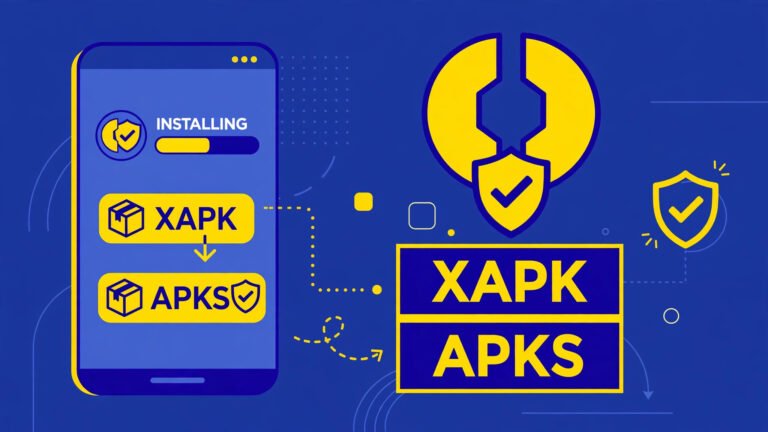
APK is the standard Android app file. One file, tap to install. XAPK is a container that packs an APK plus extra data like an OBB file. APKS and APKM are “bundle” files made of split APKs, and Android cannot open them directly. They need a split-installer app. If your phone says there was a problem parsing the package or your download will not install at all, the file format is one of the most common reasons.
Table of Contents
What Is an APK File?
APK stands for Android Package Kit. Think of it like an .exe file on Windows or a .zip-style container made specifically for Android. Inside one APK file, the developer packs:
- The app code (what the app does)
- Images, sounds and fonts the app uses
- The manifest file, which tells Android the app name, version, permissions and minimum Android version
- A digital signature, which proves who made the app and whether the file was changed after signing
When you install any app from Google Play, your phone quietly downloads and installs APK files in the background. When you save an app from a developer’s official website or from an open-source store like F-Droid, you are usually handling that APK file yourself. One file, one tap, Android’s normal installer opens. That is why APK is the easiest format for normal users.
An APK can still fail. If the file download was incomplete, if your Android version is too old, or if the app is already installed with a different signature, Android stops the install. Our guide on what to do when Android says app not installed as package conflicts with an existing package covers that exact signature problem step by step.
What Is an XAPK File?
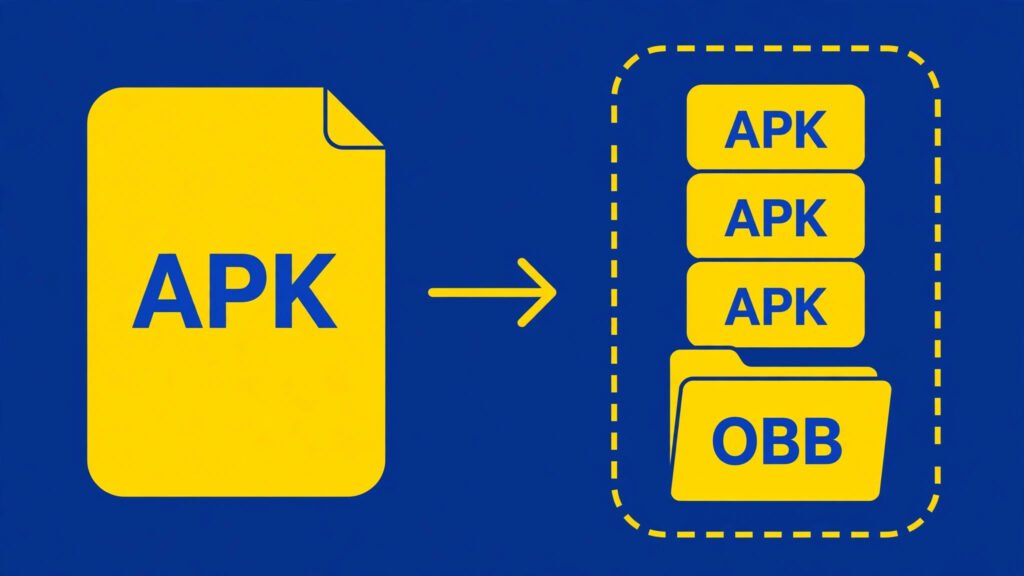
XAPK is not an official Android format. It was created by third-party app websites so they could bundle more than one thing into a single download. A typical XAPK contains:
- One base APK file
- An OBB file with extra game or app data (big graphics, levels or media)
- Sometimes extra configuration files
Old Android games used OBB files often because the main APK had a size limit. The game itself was small, but the video and graphics data was huge, so the extra data travelled separately in the OBB folder. An XAPK simply wraps that whole package into one download so you do not have to copy folders manually.
The catch: Android cannot open an XAPK directly. Tapping it does nothing or gives an error, because Android’s built-in installer only understands APK. You would need a third-party XAPK installer app that unpacks the bundle and places the OBB data in the right folder. This is exactly where risk creeps in, which we will cover in the safety section below.
What Are APKS and APKM Files?
APKS and APKM come from a newer Android system called split APKs, also called App Bundles. Instead of one big APK for every phone, the developer uploads one App Bundle to Google Play. Play then builds a custom set of small APK pieces for your exact phone:
- Base APK — the core app, always needed
- Config APKs — pieces for your language, screen density and processor type (like arm64)
- Dynamic feature APKs — extra features that only some users need
This saves storage because your phone only gets the language and graphics it actually needs. But when someone extracts that set from a phone and shares it, it arrives as one bundle file. Depending on which tool extracted it, the bundle is named .apks or .apkm. They are basically the same idea from different tools: a zip-style container holding several split APKs.
Just like XAPK, Android’s normal installer cannot open APKS or APKM files with a simple tap. A split-installer app has to unpack the bundle and install all the pieces together. If even one config piece is missing or does not match your phone, the install fails with confusing errors.
APK vs XAPK vs APKS vs APKM: Full Comparison Table
| Point | APK | XAPK | APKS / APKM |
|---|---|---|---|
| What it is | Standard single app file | APK + OBB extra data in one container | Bundle of split APK pieces |
| Official Android format? | Yes | No, made by third-party sites | No, bundle made by extractor tools |
| Opens with normal tap? | Yes | No | No |
| Extra app needed? | No | XAPK installer app | Split APK installer app |
| Typical size | Small to medium | Often very large (game data) | Medium, only your phone’s pieces |
| Best for | Normal users, open-source apps | Old games with OBB data (from official source only) | Advanced users who know the source |
| Risk level | Lowest if source is trusted | Higher — bundle contents hidden | Higher — many pieces, easy to tamper |
Which Format Should You Use?
For almost every normal user, the answer is boring but correct: use Google Play, and if you must install a file yourself, use a plain APK from the developer’s official source. Choose files in this order:
- Google Play version — first choice, always
- Plain APK from the official developer website or F-Droid — fine for free and open-source apps
- APKS/APKM from a source you fully trust — only if you understand split installs
- XAPK — last choice, only when you personally know and trust the source
If a random website only offers a mod version, a premium-unlocked build or a paid app for free inside an XAPK, close the tab. That is not a format problem, that is a piracy and malware problem, and no format guide makes it safe.
How to Install Each File Type (Safe Method)
Installing an APK
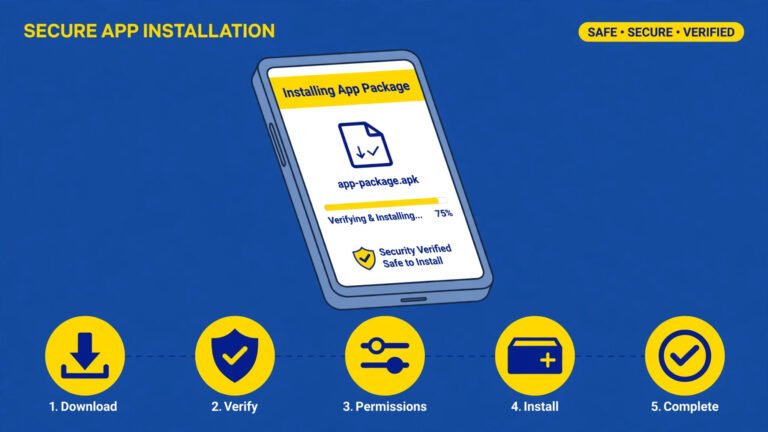
- Download the APK only from the official developer page or F-Droid.
- Open your Files app and tap the APK file.
- If Android asks, allow “Install unknown apps” for your browser or Files app only — and turn it off again after installing.
- Tap Install and check the permissions screen before confirming.
Installing XAPK, APKS or APKM
These need a split-installer style app. Only follow this route if the bundle came from a source you trust, for example a backup of a free app from your own phone:
- Install a well-known split installer from Google Play (look for long history and recent updates — do not grab a random installer APK from a website).
- Open the installer, select the XAPK/APKS/APKM file from your storage.
- The installer shows you which pieces it will install. Read that list — if it shows a different app name than you expected, stop.
- Confirm install, then remove the “Install unknown apps” permission from the installer app if you gave it.
If the install fails with parsing or signature errors, do not keep hunting for another installer. The bundle is probably broken or tampered with. Delete it and get the app from Play Store instead.
Safety Rules Before Installing Any Bundle File
- Check the source first. Official developer site or Google Play — anything else is a risk decision, not a normal download.
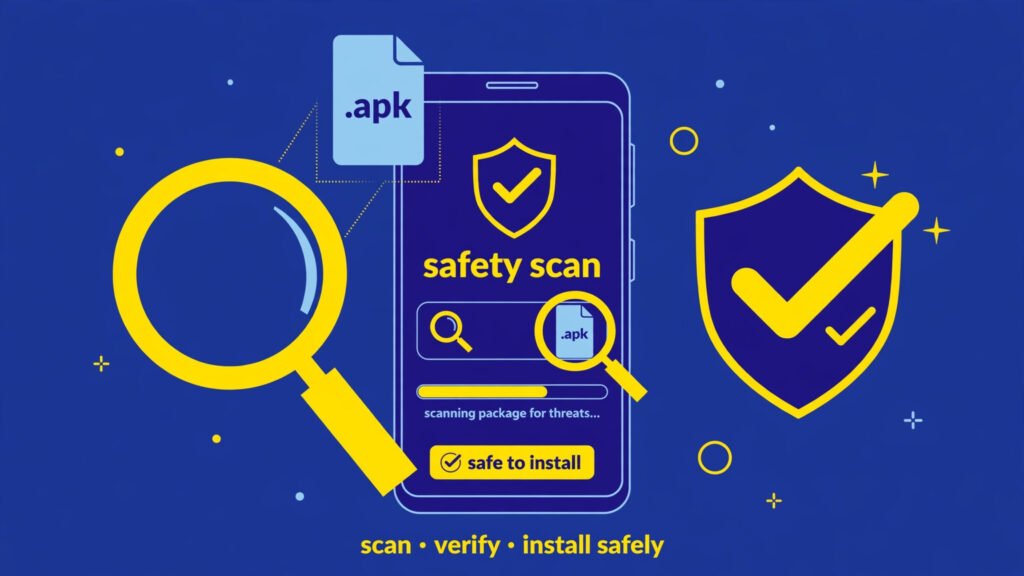
- Scan the file. Upload it to VirusTotal in your browser before installing if the file came from anywhere unusual.
- Match the app name and version. If the installer shows a different name, package or an oddly old version, cancel.
- Never disable Play Protect to force an install. If Play Protect blocks it, that warning is the protection working.
- Avoid bundles that demand strange permissions like accessibility access or device admin during install.
- Back up first if you are replacing an installed app — a signature conflict can force an uninstall, which deletes app data.
More help like this lives in our APK Guides section, where every fix follows the same rule: official sources first, no mod files, no shortcuts that put your phone at risk.
Common Errors and What They Mean
| What you see | Likely format reason | Safe next step |
|---|---|---|
| Nothing happens when you tap the file | It is XAPK/APKS/APKM, which Android cannot open directly | Check the file ending; prefer Play Store version |
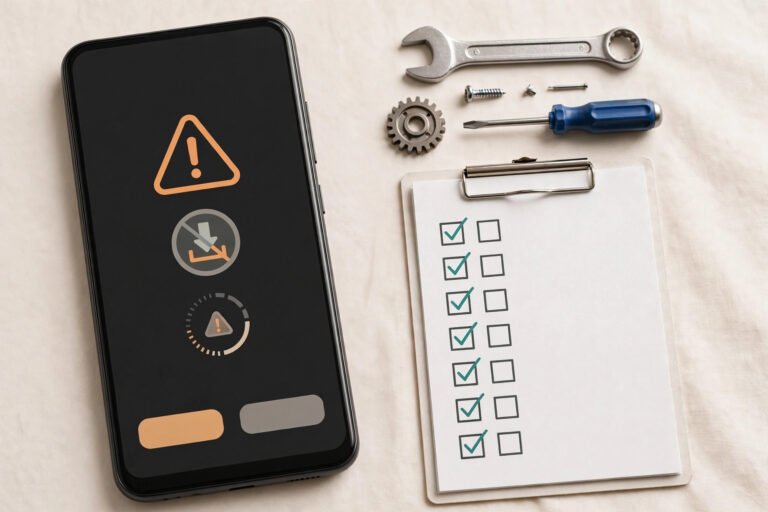
| “There was a problem parsing the package” | Broken download, wrong Android version, or a split piece missing | Re-download from official source; check Android version |
| “App not installed” / package conflict | Signature mismatch with installed app | Update from same source as before; back up data first |
| Installer app asks for many permissions | Risky third-party installer | Stop. Uninstall that installer and use Play Store |
Frequently Asked Questions
Can I rename XAPK to APK and install it?
No. Renaming the file ending does not change what is inside. An XAPK is a container holding an APK plus extra data, so Android still cannot read it as a single app file. The install will fail or do nothing.
Are APKS and APKM the same thing?
Almost. Both are bundles of split APKs created by different extractor tools. The idea and risk are the same: Android cannot open them directly, and a split-installer app must install all the pieces together.
Is it safe to use an XAPK installer app?
It depends entirely on where the installer and the bundle came from. An installer from Google Play with a long history is safer than a random installer APK from a website. But even a clean installer cannot make a tampered bundle safe, so the source of the app file matters most.
Why does Google Play not give me one APK file?
Play uses App Bundles to send your phone only the pieces it needs — your language, your screen type and your processor files. This keeps apps smaller. The single file you download from a developer’s own website is still a normal APK.
Which format is best for normal users?
Plain APK from an official source, or simply the Google Play version. Leave XAPK and split bundles for situations where you fully trust the source and understand what the installer is doing.
Conclusion
The whole APK vs XAPK confusion comes down to one line: APK is one complete app file that Android installs with a tap, while XAPK, APKS and APKM are containers that need extra tools — and extra trust. For normal daily use, Google Play and official APK files cover everything. Only touch bundle formats when you know exactly where the file came from, and never for mod or premium-unlocked apps. If an install error stops you, our APK Guides walk you through each official, safe fix step by step.
APKKASH is an independent guide site and is not affiliated with Google, Android device brands, or any app developer mentioned. Android and Google Play are trademarks of Google LLC. Always download apps from official sources.


3 Comments