Install Unknown Apps Meaning: Is It Safe? (2026)
This guide answers the question install unknown apps meaning is it safe — what the Android permission does, how to allow or revoke it, and how to stay safe when sideloading APKs.
Table of Contents
Quick Answer
“Install unknown apps” is Android’s per-app permission that lets a specific app (your browser, file manager, etc.) install APK files downloaded outside the Play Store. Since Android 8, there is no system-wide “unknown sources” switch — you grant it one app at a time. It is safe only when you enable it for a trusted source, scan the APK first, and turn it off again afterwards.
What Does “Install Unknown Apps” Mean?
When you try to install an APK you downloaded, Android may stop you with a message like:
“Your phone currently isn’t allowed to install unknown apps from this source.”
This is not an error — it is Android’s gatekeeper doing its job. The message means the app you used to download the APK (Chrome, your file manager, WhatsApp, etc.) does not yet have permission to install apps.
Key point: the permission belongs to the source app, not to the APK. Granting Chrome the permission does not let your file manager install apps — each source needs its own grant.
Why Android Changed It (Android 8+)
On Android 7 and below, there was a single system-wide toggle: Settings → Security → Unknown Sources. Flip it once, and any app could install APKs — including malicious ones that tricked you.
Since Android 8 (Oreo), Google replaced it with per-app permission:
- Only the specific app you approve can install APKs.
- A malicious app cannot piggyback on a permission you gave to your browser.
- You can revoke it per app at any time.
This is strictly safer — but it also means the setting is buried deeper, which is why so many people search for what it means.
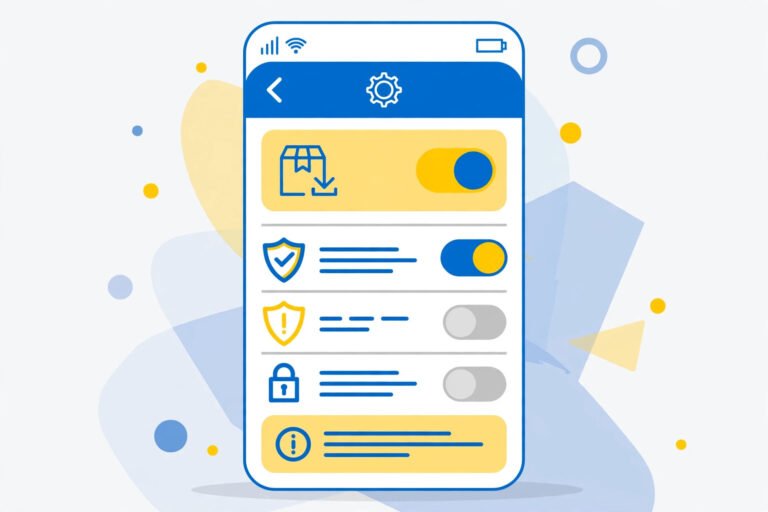
How to Allow Install Unknown Apps (Step by Step)
Stock Android / Pixel
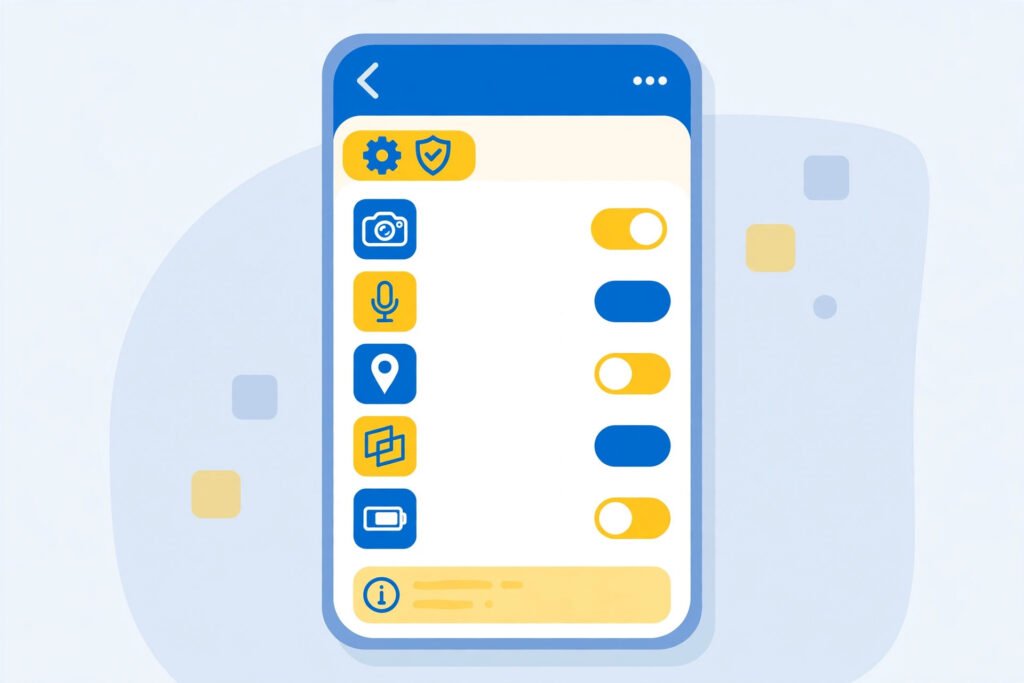
- Open Settings → Apps.
- Tap Special app access (at the bottom).
- Tap Install unknown apps.
- Choose the app you download APKs with (e.g. Chrome, Files).
- Toggle Allow from this source on.
Samsung (One UI)
- Open Settings → Security and privacy.
- Tap More security settings.
- Tap Install unknown apps.
- Select the source app and toggle it on.
Android 15
The path is the same as stock Android above — see our Android 15 APK install guide for the exact screens.
Install Unknown Apps Meaning Is It Safe to Allow?
The permission itself is neutral — safety depends entirely on what you install through it:
Safe when:
- You only install APKs from trusted sources like APKMirror (see our safe-sites guide).
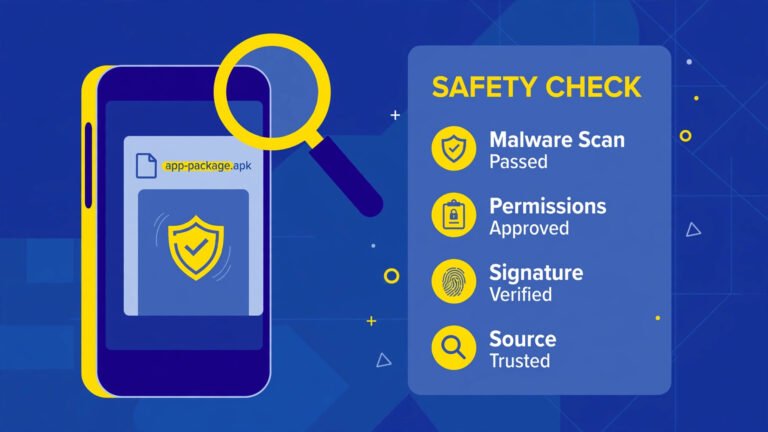
- You scan every APK with VirusTotal before installing.
- You verify the APK’s signature matches the developer’s.
- You turn the permission off again after installing.
NOT safe when:
- You leave it on permanently for your browser — any malicious download could then install with one accidental tap.
- You grant it to apps you do not recognise (a game or “cleaner” app asking for install permission is a red flag).
- You install APKs from random links, Telegram forwards, or ad-covered download pages.
The golden rule: enable it for one trusted source, install what you verified, then switch it back off. Thirty seconds of toggling buys real protection.
How to Turn It Off Again
Same path as above — just toggle Allow from this source off for each app you enabled. On stock Android: Settings → Apps → Special app access → Install unknown apps → select the app → toggle off.
Make this a habit: every sideload session ends with the permission switched back off.
Install Unknown Apps vs Unknown Sources (Old Android)
| Android 8+ (now) | Android 7 and below | |
|---|---|---|
| Control | Per-app permission | One system-wide toggle |
| Location | Settings → Apps → Special app access → Install unknown apps | Settings → Security → Unknown Sources |
| Risk if misused | Limited to one source app | Any app could install APKs |
If you still use an old phone with the Unknown Sources toggle, keep it off except during the exact minutes you are installing a verified APK.
Frequently Asked Questions
What does “your phone currently isn’t allowed to install unknown apps from this source” mean?
It means the app you downloaded the APK with (browser, file manager, etc.) lacks the install permission. Grant it via Settings → Apps → Special app access → Install unknown apps → select the app → Allow from this source.
Install Unknown Apps Meaning Is It Safe to Turn On?
It is safe if you grant it only to a trusted source app, install only verified APKs (scanned + signature-checked), and turn it off afterwards. It is unsafe to leave on permanently or grant to unknown apps.
Should I keep install unknown apps on all the time?
No. Turn it on only while installing a verified APK, then switch it off. A permanently-on permission lets any accidental download install with one tap.
Why can’t I find “Unknown Sources” on my phone?
It was replaced in Android 8. The modern equivalent is the per-app “Install unknown apps” permission under Settings → Apps → Special app access.
Can a virus install itself if I enable this?
The permission lets the source app install APKs — malware still needs you to download and open a malicious APK. But with the permission on, one careless tap on a bad download is enough, which is why you verify first and switch it off after.
Does the Play Store need this permission?
No. The Play Store installs apps through its own trusted channel and never needs “install unknown apps”.
Final Words
Install unknown apps simply means letting a specific app install APKs from outside the Play Store — and whether it is safe is entirely up to you. Grant it to one trusted source, verify every APK with a scan and signature check, and turn it off when done. Follow our safe APK installation guide for the full verified workflow.